65
CONNECTION OF PERIPHERALS
5. a) Confirm with [YES]. The updating process is started automatically.
After the data transfer is completed, the service menu is displayed again. Press the
[ ] button to return to the start menu.
5. b) If you press [NO], the system returns to
the service menu. Press the [ ] button to return to the start menu.
To disconnect the external memory module safely:
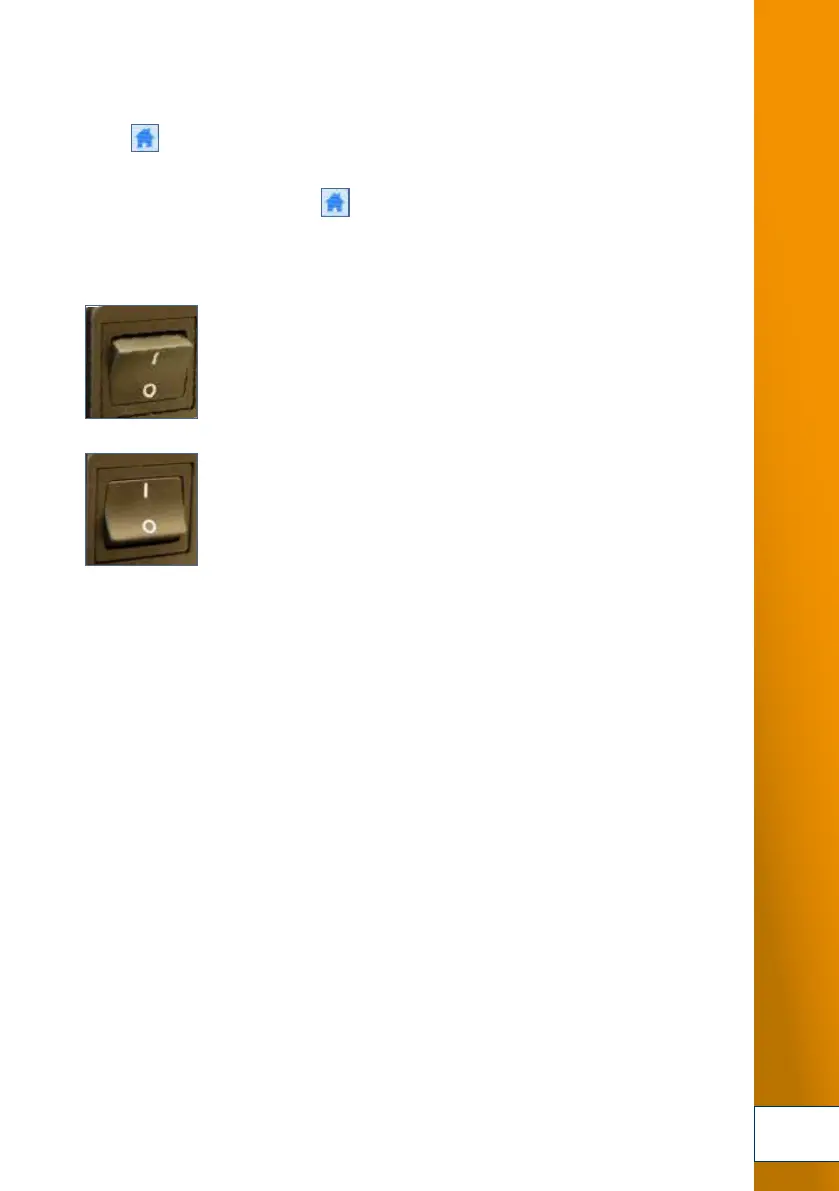
6. Switch off the TOPITEC
®
TOUCH with the main switch at the
rear of the device.
Disconnect the memory module from the port.
7. The system can now be restarted
for production, etc.
6.
7.



 To Next Page