78
TOPITEC
®
TOUCH User Manual | 11-2020
Error/fault Cause Remedy
Mixing system
cannot be switched on.
Main switch in position "0".
Fuse blown.
Power cable defective.
Switch on the main switch.
Replace defective fuse with a
new one (10 A slow-acting).
Replace power cable.
13. TROUBLESHOOTING
13.1 Practical tips – instant remedy!
Tool shaft fails to engage:
Check the position of the mixing container or jar in the clamping ring and reposition the container
or jar in the ring.
The moment the memory capacity is reached, message "Buffer memory low!" is displayed
when 245 records or more have been saved. Acknowledge this message by pressing the
respective touch screen button. Preparation
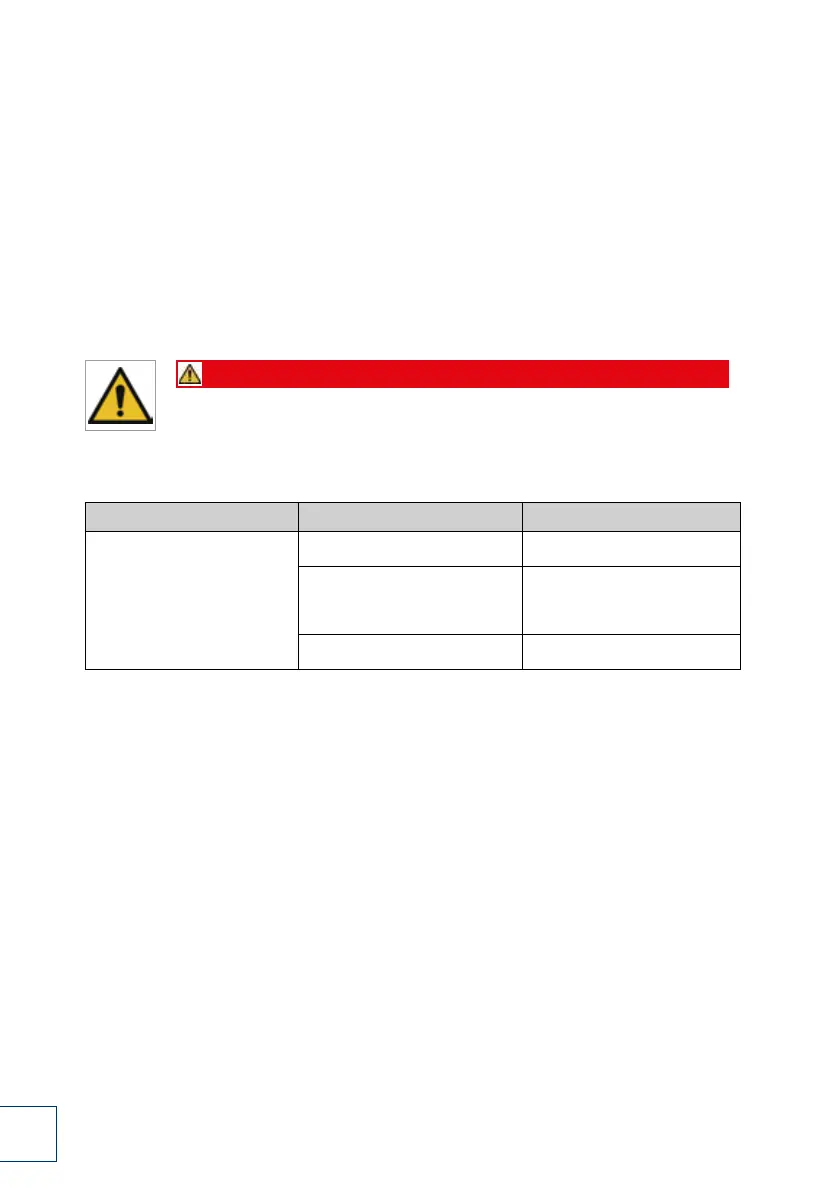
Danger
Before carrying out any maintenance or repair work,
shut down the device, following the proper shut-down procedure (see chapter 4.5).
If the remedies suggested here are not successful,
please contact your dealer.
Table 4 Troubleshooting


 To Next Page
 Loading...