7
HOW TO OPERATE THE ELECTRONIC MONITOR
1. To turn on the power, press the on/reset button or
simply begin pedaling. When the power is turned
on, the entire display will appear for two seconds.
The electronic monitor will then be ready for opera-
tion.
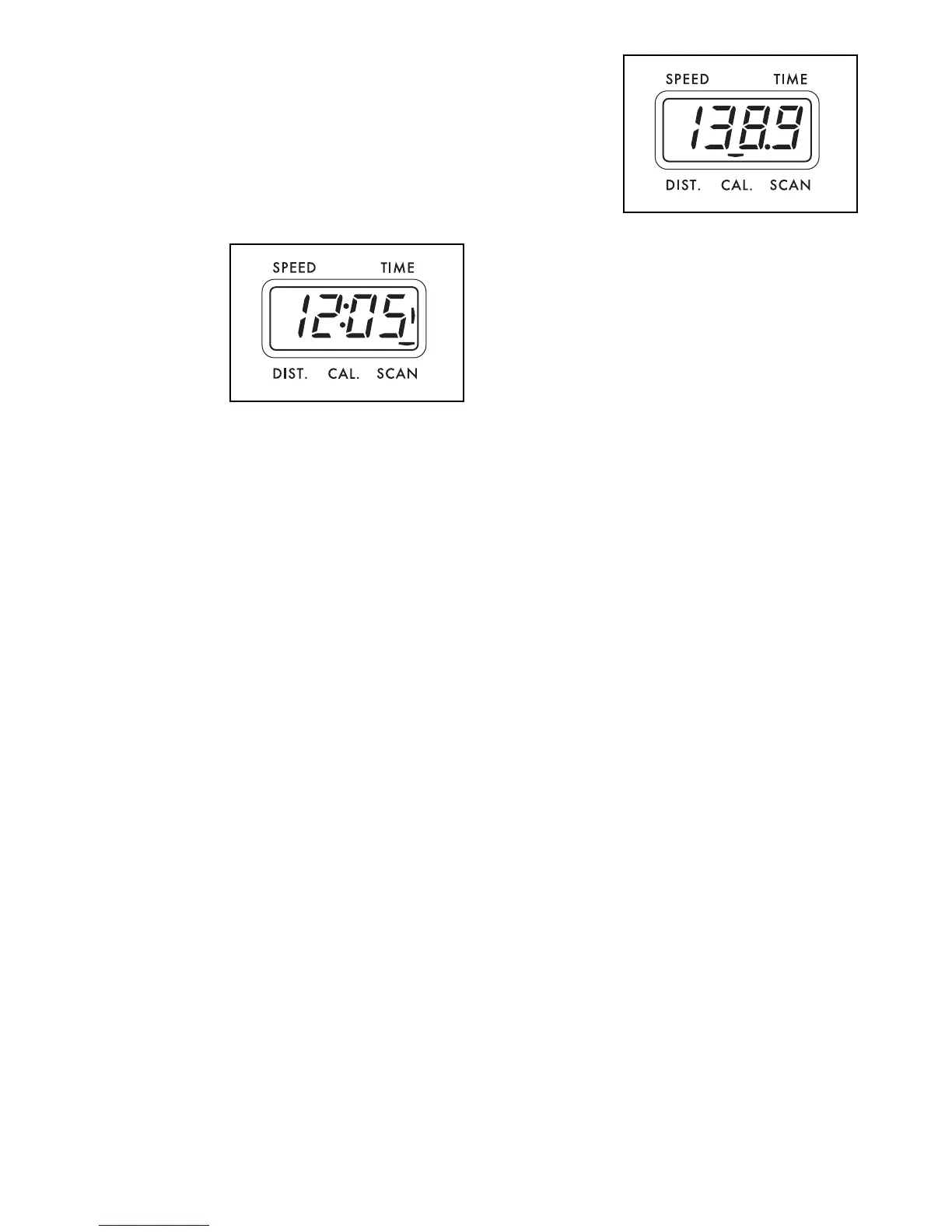
2. Select one of the five modes:
Scan modeÑ
When the
power is
turned on, the
scan mode will
automatically
be selected.
One mode
indicator will
show that the
scan mode is selected, and a flashing mode indica-
tor will show which mode is currently displayed.
Note: If a different mode is selected, you can select
the scan mode again by repeatedly pressing the
mode button.
Speed, time,
distance or
calorie
modeÑTo
select one of
these modes
for continu-
ous display,
press the
mode button
repeatedly. The mode indicators will show which
mode is selected. (Make sure that the scan mode is
not selected.)
3. To reset the display, press the on/reset button.
4. To turn off the power, simply wait for about four min-
utes. Note: The monitor has an Òauto-offÓ fea-
ture. If the pedals are not moved and the moni-
tor buttons are not pressed for four minutes,
the power will turn off automatically in order to
conserve the batteries.





 To Next Page