Accessing the MRD
• Open a web browser on the PC and browse to http://192.168.2.200
(the default MRD, IP address) .
• A login box will popup. If the box fails to display, re-check the cable connections to the
unit and the IP address settings of the PC.
Enter the following login details:
• User Name: admin
• Password: westermo
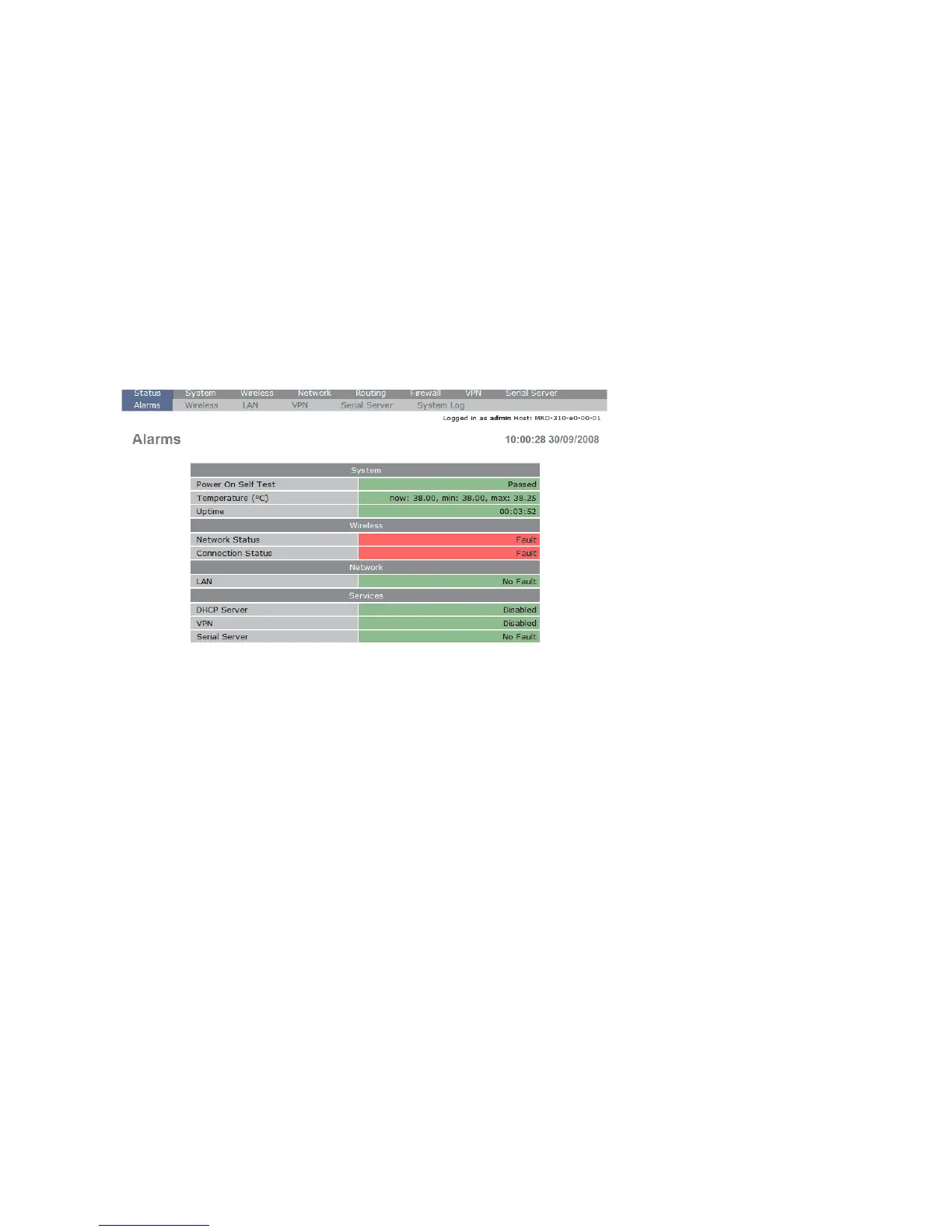
• The Status summary page will be displayed, it will be similar to Figure 3.
Figure 3
Note: If the unit is not yet configured it is likely that the Network Status and
Connection Status will indicate a fault condition. This is normal.


 To Next Page