GETTING STARTED - 2
Kit Contents
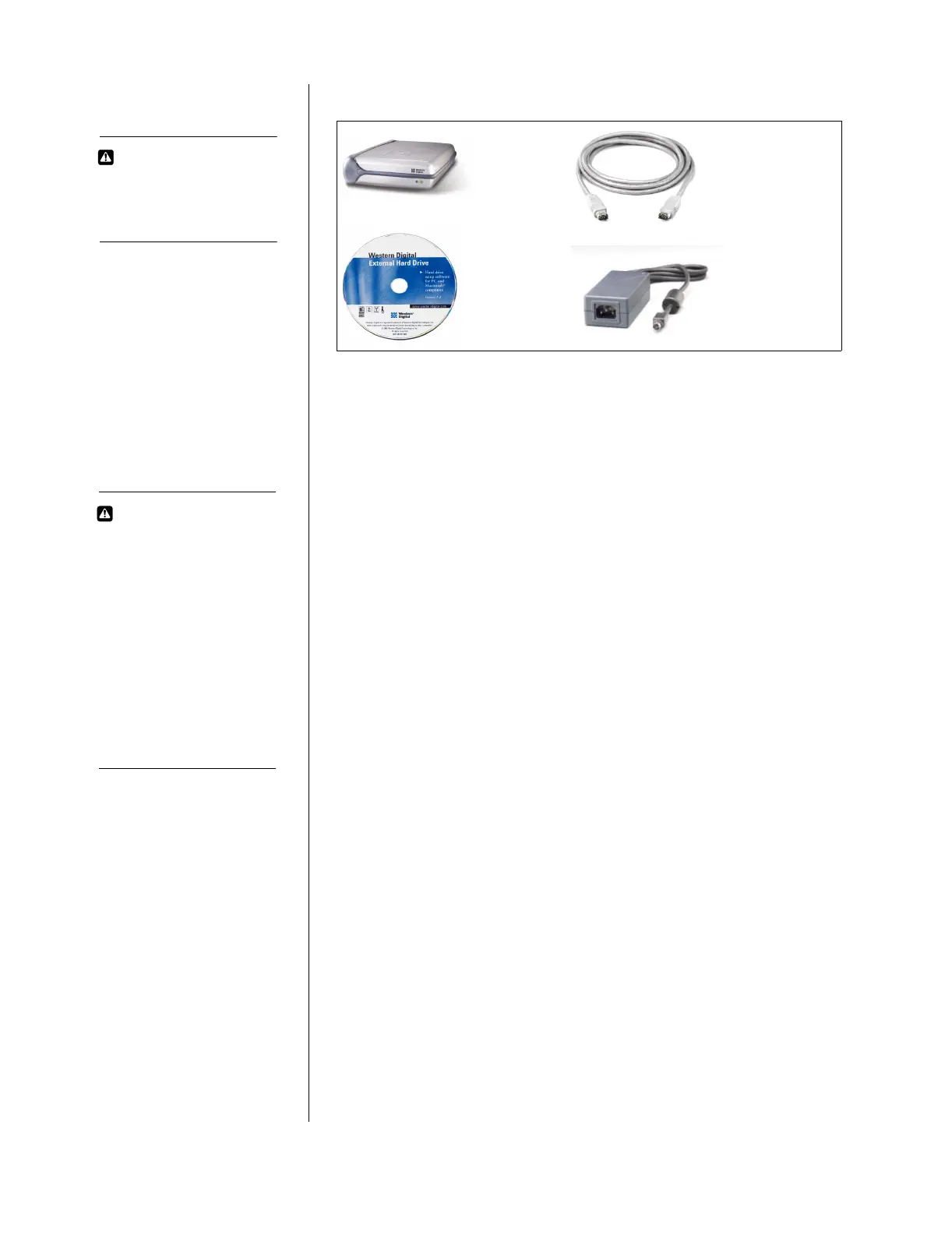
Western Digital FireWire External Hard Drive Kit Contents
Also included: warranty card, power cord, and Quick Install guide.
System Requirements
PC Users
1. Minimum 200 MHz processor
2. 32 MB RAM
3. Built-in FireWire port or a FireWire adapter (OHCI compliant)
4. Windows 98 SE (second edition) or higher
5. CD-ROM drive
Make sure you have Windows 98 SE or higher installed on your
system by right-clicking on My Computer and selecting Properties.
The General tab in System Properties should show "Windows 98
Second Edition."
Mac Users
1. FireWire-enabled Macintosh computer
2. Minimum 32 MB RAM
3. Mac OS 8.6 or higher
4. CD-ROM drive
Make sure you have Mac OS 8.6 or higher installed on your system by
clicking on the Apple symbol in the menu bar and selecting About
this computer. The window will display your version of Mac OS.
AC power supply
6 foot (1.8m) 6-pin to 6-pin
FireWire cable
FireWire Disk Utilities
Software Setup CD for
Windows and Macintosh
Western Digital
FireWire External
Hard Drive
H IMPORTANT
A FireWire connection on
your computer and
Windows 98 SE/Mac OS
8.6 or higher is required to
use your FireWire external
hard drive. If your
computer is not FireWire-
enabled, you may be able
to add a FireWire adapter.
Look for Western Digital’s
FireWire PCI Adapter at
your favorite retailer or the
Western Digital online
store at:
store.westerndigital.com.
CAUTION
The Western Digital
FireWire external hard
drive is not intended as a
portable device.













 To Next Page