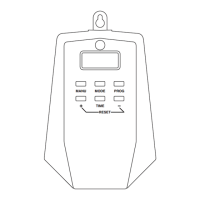
PROGRAM SETTING
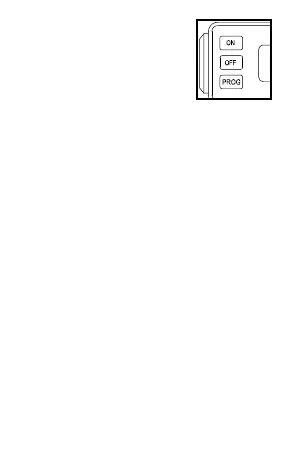
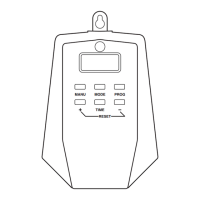
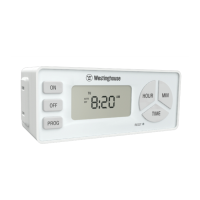
• Press the PROG button to
select Program 1 or
Program 2.
• While holding down the ON
button press the HOUR and
MIN buttons to set the timer’s
“on” time.
• While holding down the OFF button
press the HOUR and MIN buttons to
set the timer’s “off” time.
• Press the TIME button or wait 15
seconds for the timer to save your
program settings and exit to the main
screen (current time).
CADRE DU PROGRAMME
• Appuyez sur le bouton PROG pour
sélectionner le programme 1 ou 2.
• Tout en maintenant enfoncé le bouton
ON appuyez sur le boutons HOUR et
MIN pour régler la minuterie de
temps “marche”.
• Tout en maintenant la pression sur le
bouton OFF les boutons HOUR et MIN
pour régler l’heure “off” de la minuterie.
• Appuyez sur le bouton TIME ou attendre
15 secondes pourque la minuterie pour
enregistrer vos paramètres du programme
et la sortie à l’écran principal
(heure actuelle).
2


 To Next Page