EasyManua.ls Logo

Westinghouse WHKS01K - User Manual

Westinghouse WHKS01K
12 pages
Print Icon
To Next Page IconTo Next Page
Loading...
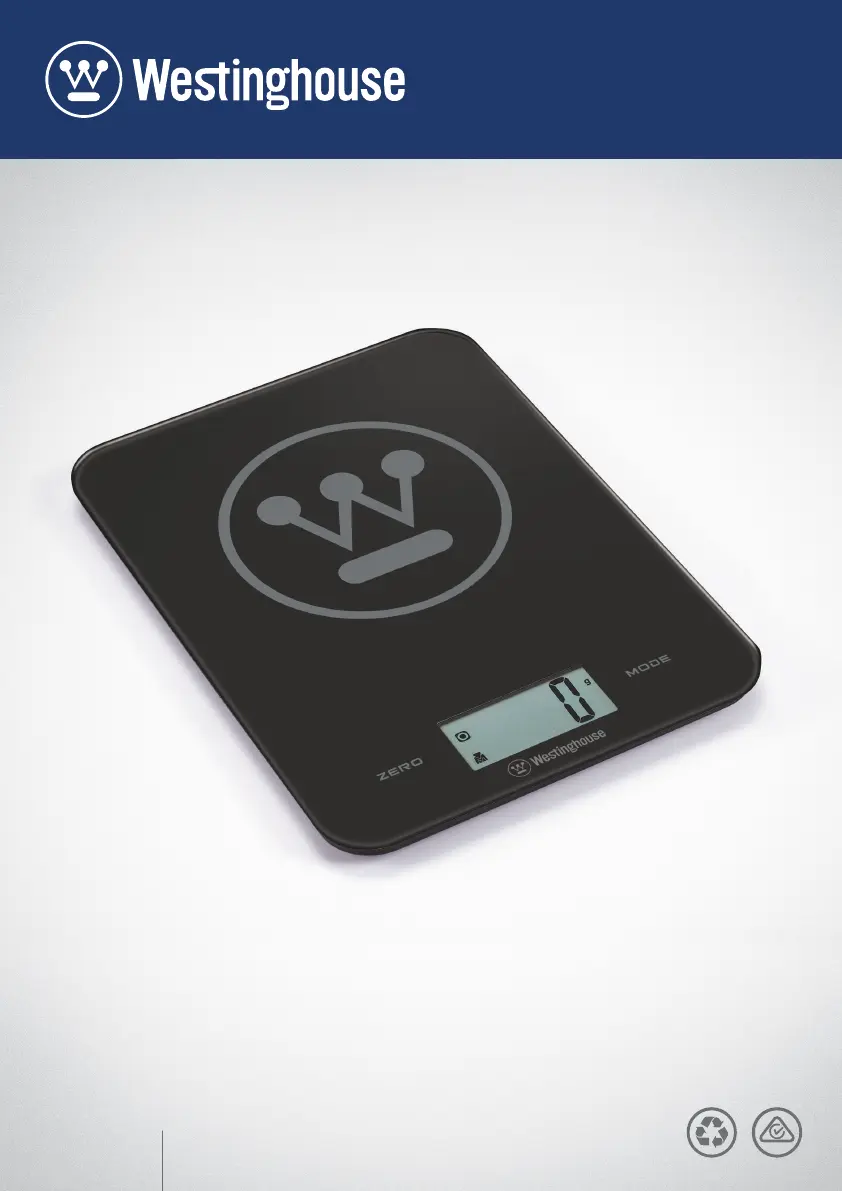
8KG ELECTRONIC
KITCHEN SCALES
WHKS01K

Questions and Answers

  • M
    Mr. Adrian FloresAug 4, 2025
    What to do if Westinghouse WHKS01K Scales show 'Err' message?
    • B
      Brandon WalkerAug 5, 2025
      If the message “Err” appears on the screen, it means the maximum weight has been exceeded. Immediately remove the object from the scale to prevent damage to the scale load cell unit.
  • B
    bandersonAug 14, 2025
    Why do my Westinghouse WHKS01K say 'Lo'?
    • C
      Crystal BennettAug 15, 2025
      If the message “Lo” is displayed on the screen, it indicates that the batteries need replacing. Replace them with new ones.
  • D
    Diane RiceAug 25, 2025
    What to do if my Westinghouse WHKS01K Scales fail to operate?
    • D
      danielbutlerAug 25, 2025
      If the Westinghouse Scales fail to operate, check the following: * Make sure the scale has the correct battery, 1 x 3V CR2032 lithium battery (included). * Check the packaging and contents for completeness and damages. If the contents are incomplete or damaged, do not use the device and return it to your retail outlet immediately.

Summary

Important Safety Instructions

General Safety Precautions

Adheres to warnings, proper usage, environmental conditions, and cleaning guidelines for safe operation.

Battery Installation and Replacement

Unit Conversion Button Functionality

LCD Display Information

Button Functions Explained

Mode Conversion Process

Converting Weight and Volume Units

Parts and Features Overview

Identification of Scale Components

Diagram identifying key parts like weighing area, LCD, ZERO key, MODE key, and UNIT key.

Tare Weight Function Guide

Using the Tare function for consecutive weighing

Step-by-step instructions on using the ZERO key to reset the display for weighing multiple items.

Starting Weighing Modes

Weighing Mode Operation

Instructions for setting up and using the scale in weighing mode, including tare for containers.

Volume Indication Mode Operation

Instructions for using the scale in volume indication mode, including tare for containers.

Care and Maintenance Guidelines

Cleaning and Upkeep Instructions

Details on cleaning the scale using a damp cloth and avoiding harsh chemicals or food residues.

Troubleshooting Common Issues

Indicator Messages and Solutions

Explains 'Lo' and 'Err' indicators, their causes (battery, overload), and remedies.

Limited Warranty Information

Consumer Rights and Warranty Coverage

Details consumer rights under Australian Law and product warranty coverage for defects.

Warranty Exclusions and Claim Process

Outlines conditions not covered by warranty and the procedure for making a claim.

Warranty Period Definitions

Specifies warranty durations for different product categories like cookware and small appliances.

Westinghouse WHKS01K Specifications

General IconGeneral
MaterialTempered Glass
Display TypeLCD
Auto Power OffYes
TypeBathroom Scale
Maximum weight400 lbs
Unitslb/kg/st
PowerBattery
Maximum Weight Capacity400 lb
Units of Measurementlb/kg/st
Power SourceBattery
Platform Size11.8 x 11.8 in

Related product manuals