EasyManua.ls Logo

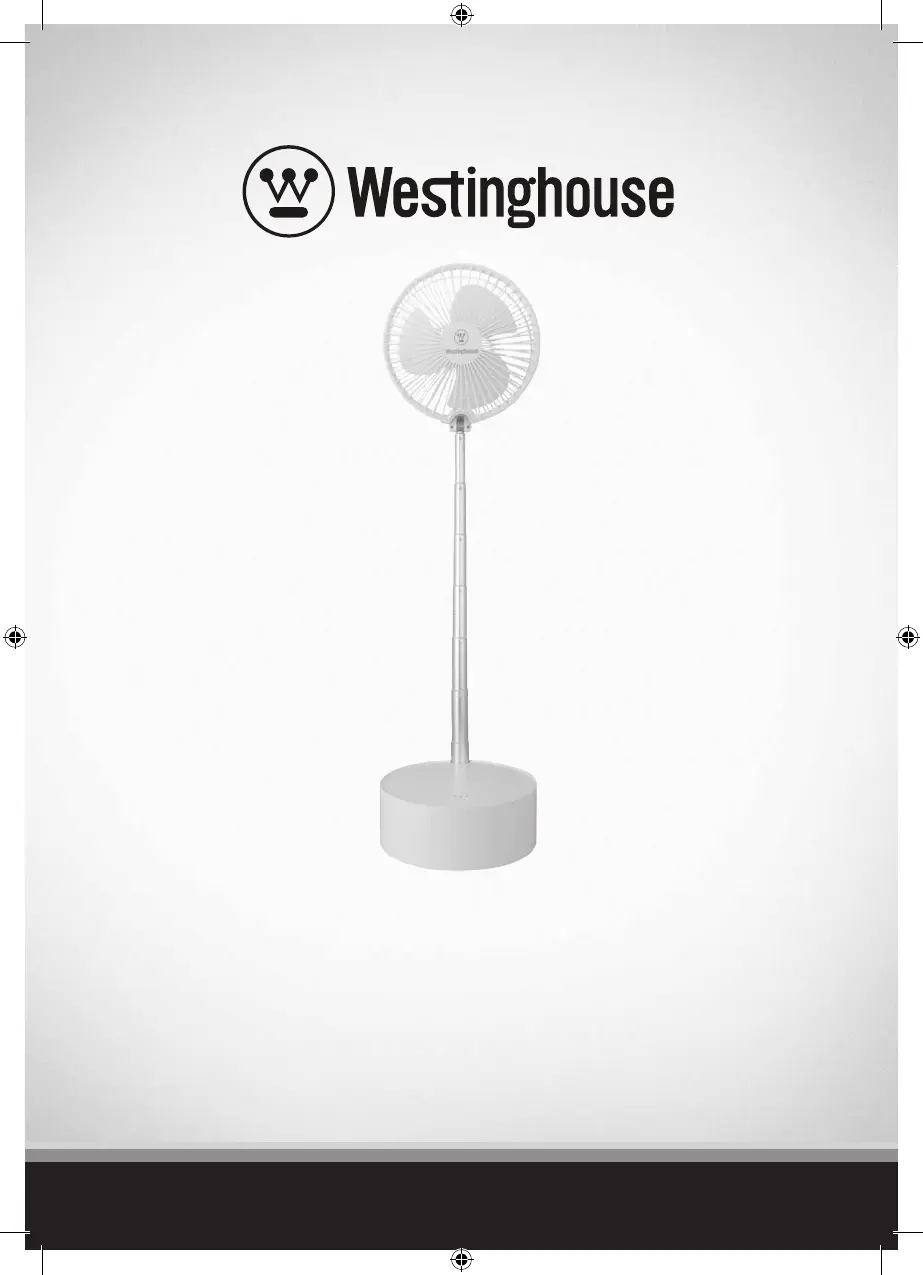
Westinghouse WSFT200A - User Manual

Westinghouse WSFT200A
24 pages
Print Icon
To Next Page IconTo Next Page
Loading...
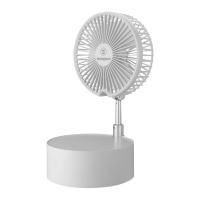
8” F
olding Telescopic Rechargeable Fan /
Ventilateur Rechargeable Télescopique
Pliant De 8”
Ins
truction Manual / Manuel d’instructions
W
SFT200A
WSFT200A_Rechargeable Fan_2L.indd 1 12/3/2020 4:01:12 PM

Questions and Answers

  • B
    bcarrJul 31, 2025
    What to do if my Westinghouse Fan will not turn on?
    • R
      Roger WrightJul 31, 2025
      If your Westinghouse Fan isn't turning on, there are several potential causes. First, ensure the device or USB charging socket is turned on. Also, check that the power supply that the USB connector is plugged into is the correct voltage for this fan. If those aren't the issue, the battery may be low; in this case, charge the fan fully. Finally, the charging cable might be damaged; contact your dealer to buy a new charging cable.

Summary

Safety Information

Important Safeguards

Read manual carefully for safety. Contains important information for your safety and appliance use.

How to Use

Description of Parts

Identifies and lists all components of the fan, including motor, blades, and charging parts.

Before First Use

Instructions for initial setup, including unpacking, checking for damage, and preparing the appliance.

Charging the Fan

Detailed steps on how to charge the fan using the provided USB cable and adapter, including indicator light meanings.

Setting Up the Fan

Guidance on placing the fan on a surface and adjusting its height and angle for optimal use.

Setting Fan Speed

Explains how to turn the fan on/off and control its speed using the power button and indicator lights.

Cleaning and Care

Using the Fan as a Power Bank

Instructions for using the fan's battery capacity to charge mobile or electronic devices via USB.

Troubleshooting

Disposal Information

Information and Service

Westinghouse WSFT200A Specifications

General IconGeneral
BrandWestinghouse
ModelWSFT200A
CategoryFan
LanguageEnglish

Related product manuals