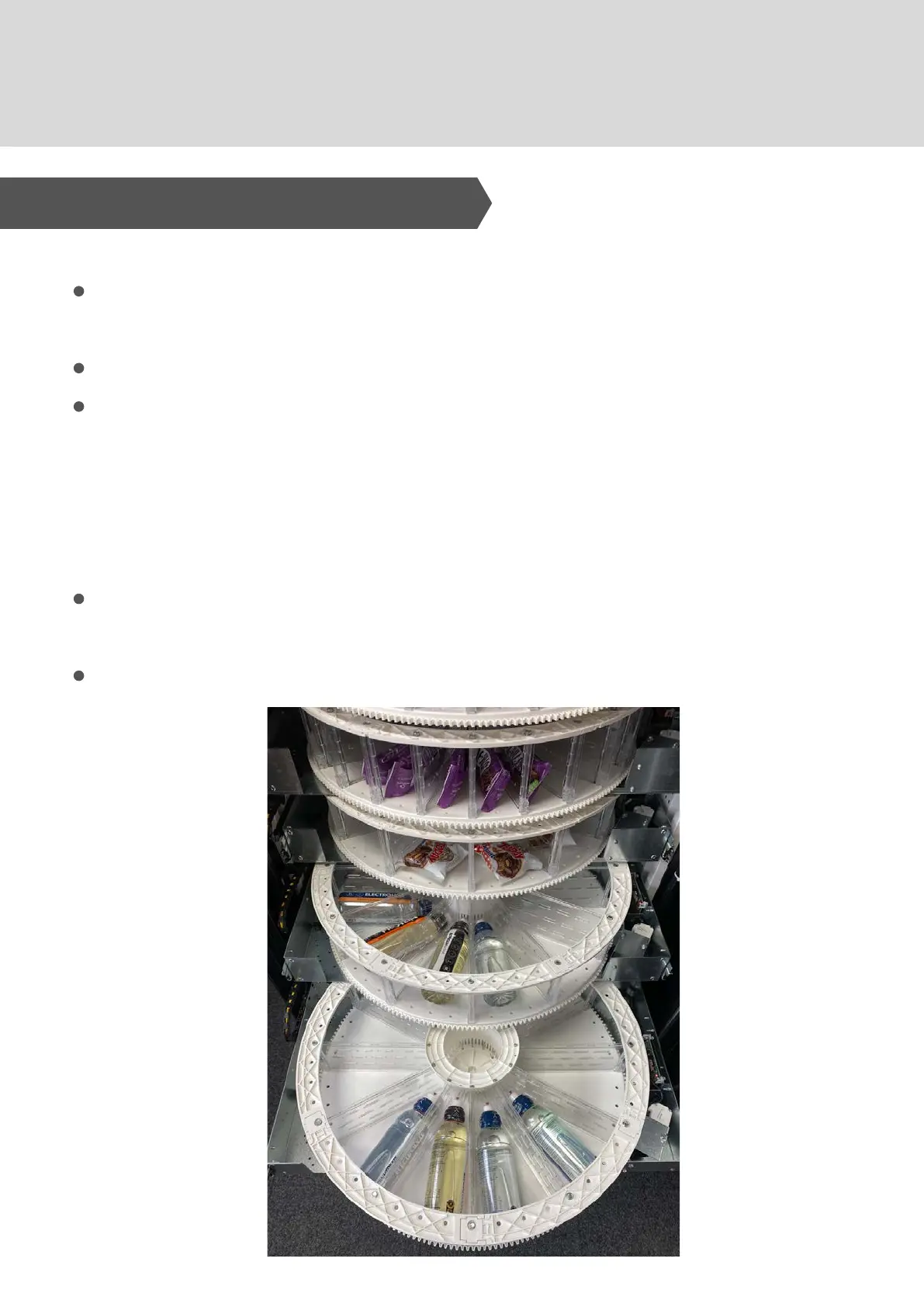
7. Product Filling / Refilling
1 . G U I DE LI NE S
After the machine is switched on for the first time - wait 12
hours for the machine to reach the operating temperature.
For refrigerated products this must be below +4°C.
If the "refrigeration unit safety device" is tripped - any
perishable products in the selections that are out of order
must be removed - and the machine Health Control must be
reset (with the machine door open - press and hold the blue
shopper button.
Wait for the machine to reach operating temperature before
replacing products.
The total door-open time must be no more than 15 minutes.



 To Next Page