3.3. Connections
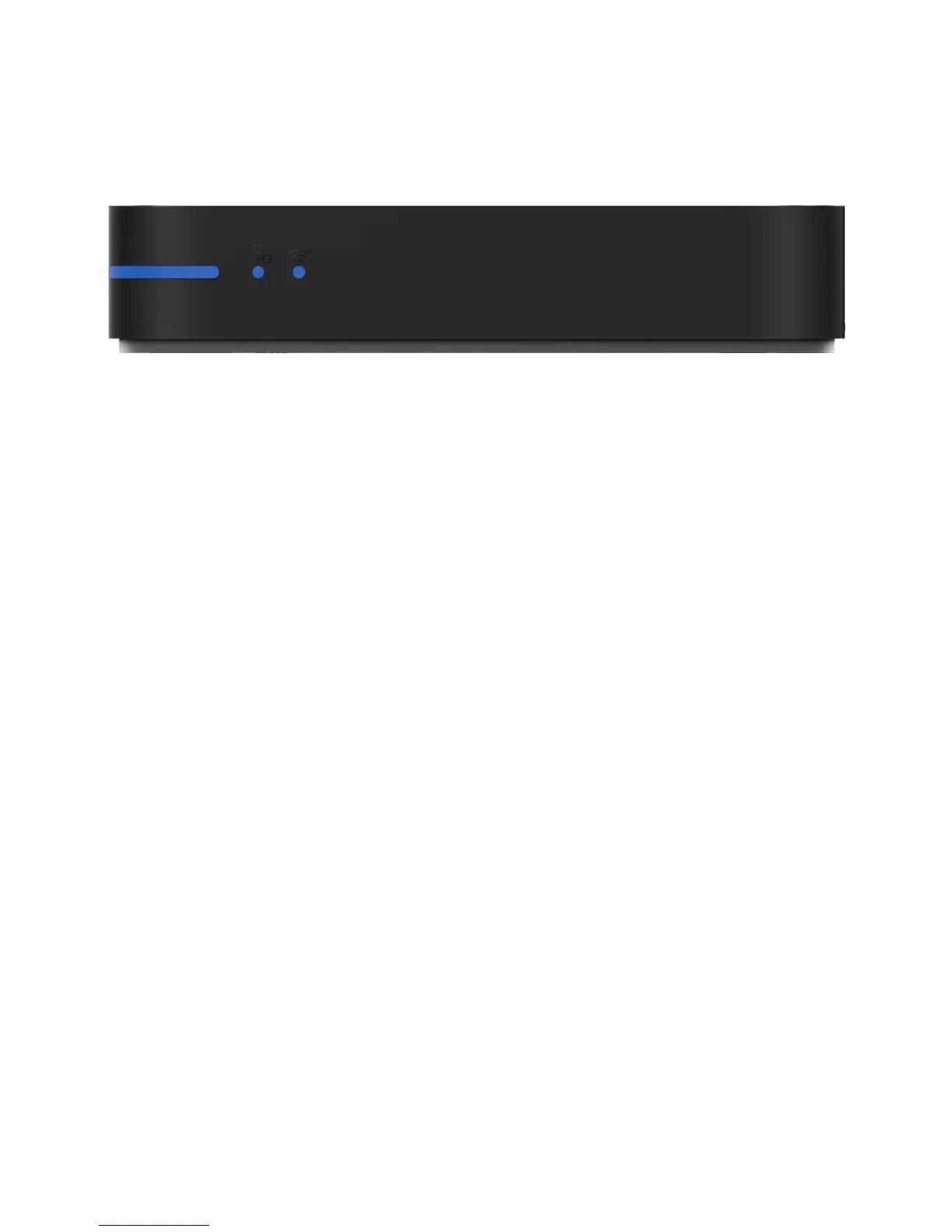
FRONT VIEW
a) Power Button
Turn on and o your WeTek directly by depressing this button. Alternatively you can do it
with the AirMouse.
b) Status Led
O - The power cord is disconnected.
Red - WeTek Play is in standby mode
Blue - WeTek Play is on and the image should appear on the screen
c) Ethernet Led
When using an Ethernet connection, a blue light will show.
d) WiFi Led
When using an WiFi connection, a blue light will show


 To Next Page