6
PROJECTOR
The projector is the output device used to take the display from the player and project it onto a
projector screen. The projector is connected to the player via VGA or HDMI. The Wexer Virtual relay
box can control the projector and turn it on/off at any given time. Alternatively, a switch can be
purchased to control when the projector turns on/off.
PROJECTOR SCREEN
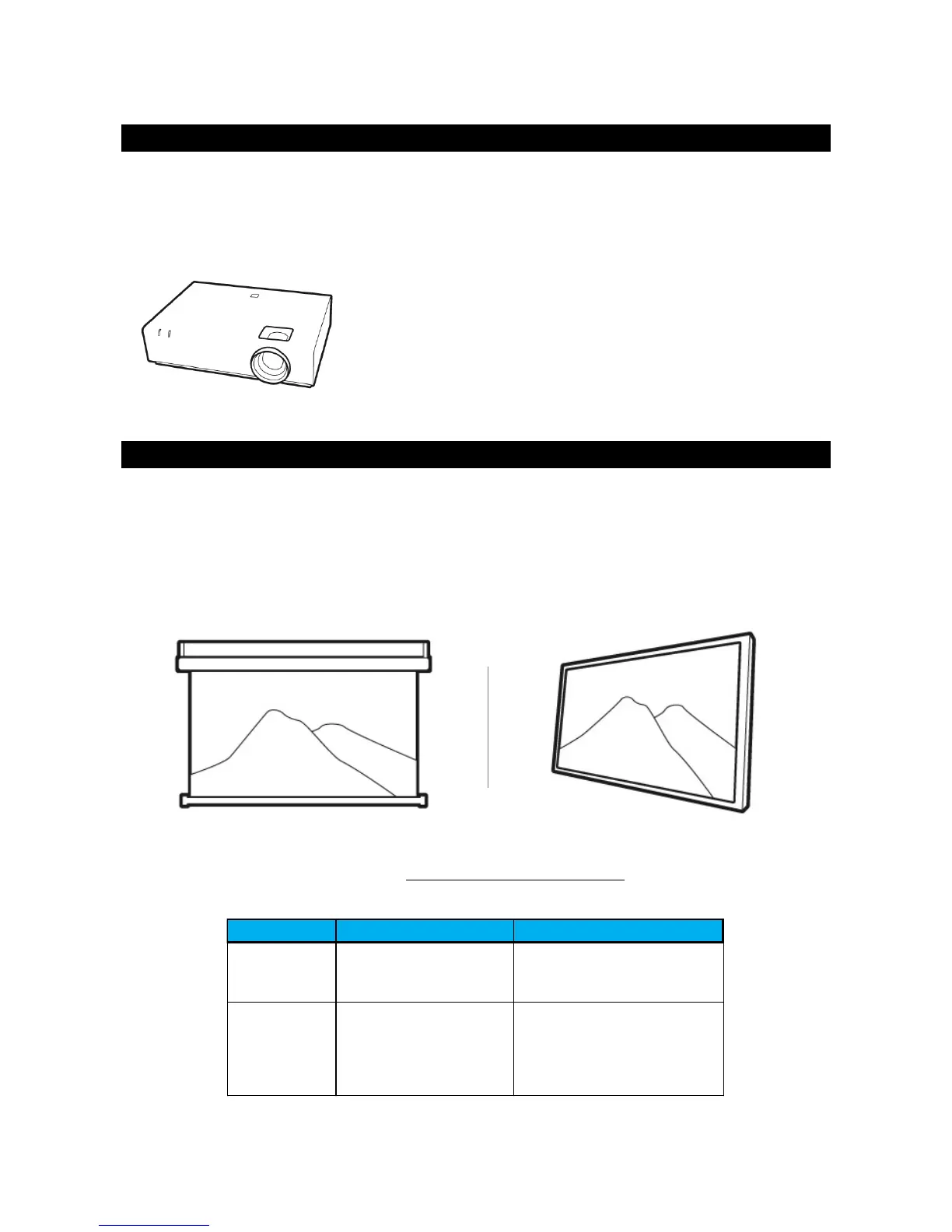
The screen is used for displaying the projected image. Wexer Virtual provides two types of projector
screens:
Fixed screen
Motorized screen (incl. relay box controlling when the screen rolls up and down)
For the best experience of the videos, we recommend a fixed screen due to the improved image
quality.
Permanent installation fixed
against the wall helps
preserve the flatness of the
screen resulting in improved
image quality.
Requires a border, and this can
reduce the available screen space.



 To Next Page