18
E SERIES INSTALLATION MANUAL
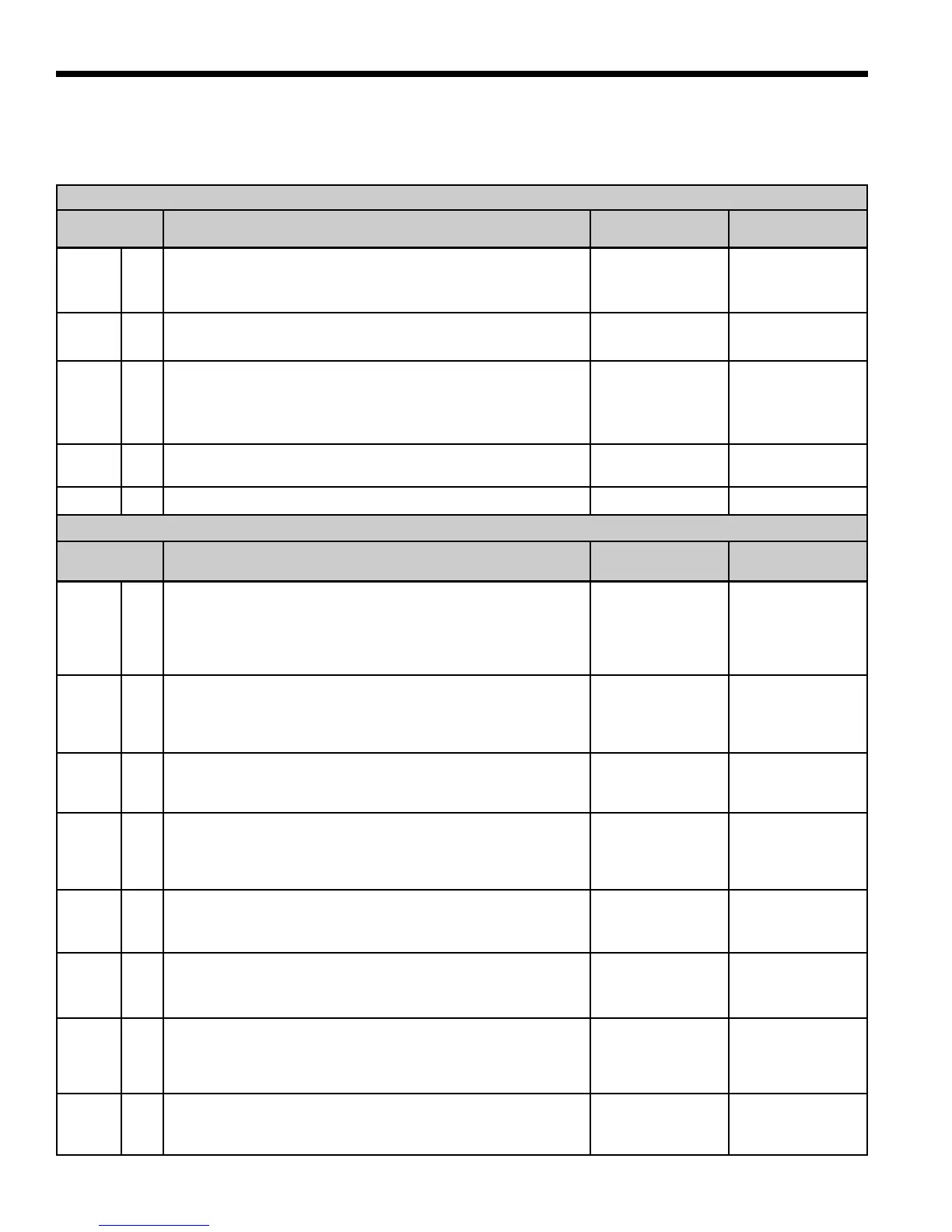
Standard Microprocessor DIP Switches
Prior to powering unit, ensure that all DIP switches on SW2 & SW3 are set properly according to the tables below.
FACTORY SETUP DIP SWITCHES (SW3)
DIP SWITCH
NUMBER
DESCRIPTION OFF POSITION ON POSITION
SW 3- 1
Dual Capacity/Single-Speed
Configures the control for single-speed compressor operation or
dual capacity operation.
Dual Capacity
Operation
Single-Speed
Operation
SW 3- 2
ECM2
Must be in the “ON” position.
Does Not Apply
Normal
SW 3- 3
No RPM/RPM
Configures the control to monitor the RPM output of an ECM/
ECM2 blower motor. When using IntelliZone or a PSC fan motor,
the control should be configured for “NO RPM” sensing.
PSC Fan/RPM
Monitoring Dis-
abled
ECM-ECM2 Fan/
RPM Monitoring
Enabled
SW 3- 4
Electric heat
Must be in the “ON” position to engage auxiliary heat.
No Aux Heat
Normal
SW 3- 5 Future Use Future Use Future Use
FIELD SELECTION DIP SWITCHES (SW2)
DIP SWITCH
NUMBER
DESCRIPTION OFF POSITION ON POSITION
SW 2- 1
Service Test Mode
On the control, allows field selection of “NORMAL” or “TEST” op-
erational modes. Test mode accelerates most timing functions 16
times to allow faster troubleshooting. Test mode also allows view
-
ing the “CURRENT” status of the fault inputs on the LED display.
Test Mode
Normal Speed
Operation
SW 2- 2
Freeze Protection Setting
Allows field selection of freeze thermistor fault sensing tempera
-
tures for well water (30°F) or antifreeze-protected (15°F) earth
loops.
Loop Water
Freeze Protection
15° F
Well Water
Freeze Protection
30° F
SW 2- 3
Accessory Relay
Allows field selection of the accessory relay to operate with the
compressor or fan.
Acc Relay Tracks
Fan
Acc Relay Tracks
Compressor
SW 2- 4
Fan Speed Control
Allows field selection of reduced fan speed (85% of selected
medium and high speed – ECM only) for cooling in the dehumidi-
fication mode.
Dehumidification
Fan Speeds
Normal Fan
Speeds
SW 2- 5
Auxiliary Off
Disables 3rd-stage Heating. Full emergency heat would still be
available if needed.
Disable Heating
Stage 3
Enable Heating
Stage 3
SW 2- 6
Diagnostics Inputs
Allows viewing the inputs from the thermostat to the control board
such as Y1, Y2, O, G, W, SL1-In on the LED display.
Diagnostic Inputs
Viewed at LEDs
Normal Display
Viewed at LEDs
SW 2- 7
Diagnostics Outputs
Allows viewing the outputs from the control board such as com-
pressor, reversing valve, blower, hot water pump, and loop pump
on the LED display.
Diagnostic Out-
puts Viewed at
LEDs
Normal Display
Viewed at LEDs
SW 2- 8
Thermostat Selection
Allows field selection of the type of thermostat being connected to
the control. The DIP switch should be in the OFF position.
24 VAC
Thermostats
TA32E12
Thermostat


 To Next Page