8
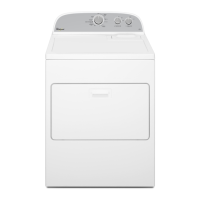
7. Press START/Pause to begin cycle
Press the START/Pause button to begin the cycle.
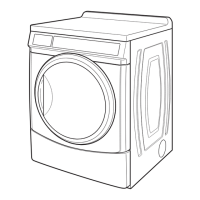
8. Remove garments promptly
after cycle is nished
Promptly remove garments after cycle has completed to
reduce wrinkling. If you are unable to remove the load
promptly, press the WRINKLE SHIELD button to turn ON
or OFF at any time before the cycle has ended.
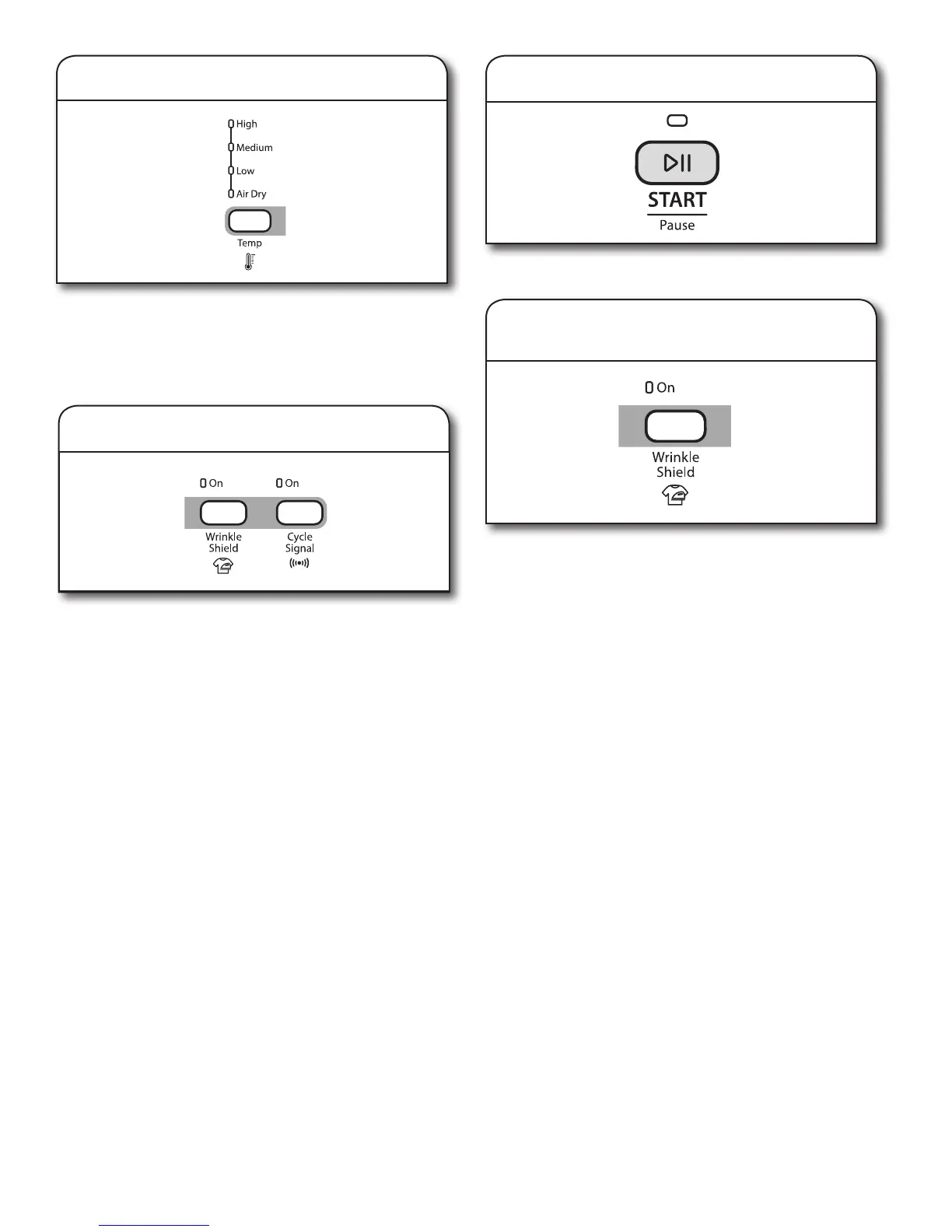
5. Set cycle temperature
The default cycle settings will be shown. For some cycles,
you may select alternate settings by pressing the button for
that setting. Press the TEMP button to change the drying
temperature from the default setting.
NOTE: Not all settings are available with all cycles.
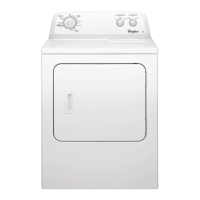
6. Select cycle options (if desired)
Add additional options by pressing the corresponding button.
NOTE: Not all options and settings are available with all
cycles.
Wrinkle Shield
n
Provide heat-free, periodic tumbling at the end of a cycle.
Press the WRINKLE SHIELD button to turn ON or OFF
at any time before the cycle has ended.
n
The WRINKLE SHIELD feature is preset to “OFF.” If
selected for other cycles, the WRINKLE SHIELD
feature setting will remain “ON” the next time that cycle
is selected.
Cycle Signal
n
The Cycle Signal produces an audible sound when the
drying cycle is nished. Promptly removing clothes at the
end of the cycle reduces wrinkling.
n
Press CYCLE SIGNAL to turn on.



 To Next Page