6
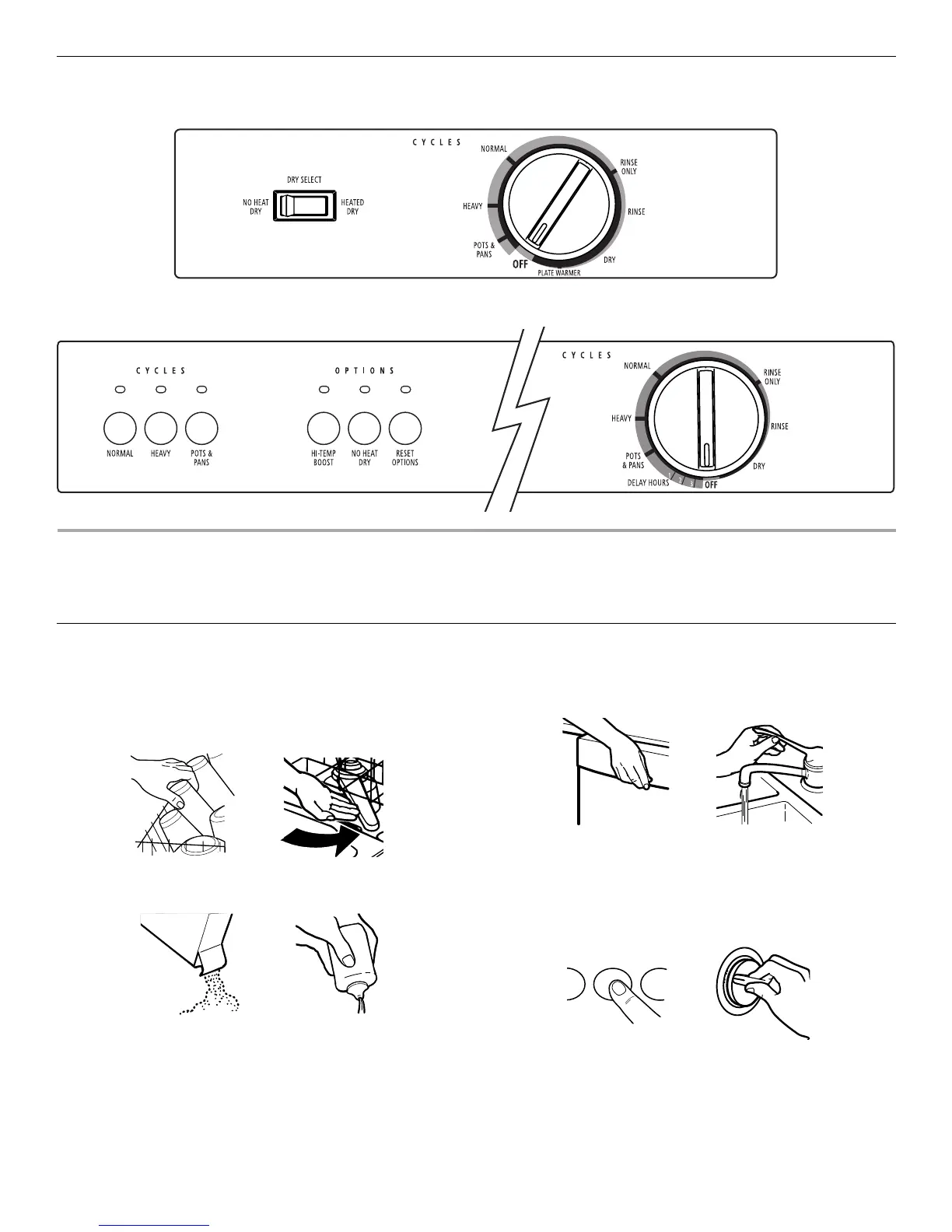
Control Panels
START-UP GUIDE
Before using your dishwasher, remove all packaging materials. Read this entire Use and Care Guide. You will find important safety
information and useful operating tips.
Using Your New Dishwasher
1. Scrape large food soil and hard items (toothpicks or bones)
from dishes.
2. Properly load the dishwasher. (See “Dishwasher Loading.”)
Make sure nothing keeps the spray arm(s) from spinning
freely.
3. Add detergent and check the rinse aid dispenser. Add rinse
aid if needed. (See “Dishwasher Use.”)
4. Push door firmly closed. The door latches automatically. Run
hot water at the sink nearest your dishwasher until the water
is hot. (See “Dishwasher Efficiency Tips.”) Turn off water.
5. Select a drying option.
NOTE: Use No Heat Dry for the Rinse Only cycle.
6. For DU850: Press the desired cycle and option selections.
(See “Dishwasher Use.”) Turn the cycle control knob to the
desired cycle to start.
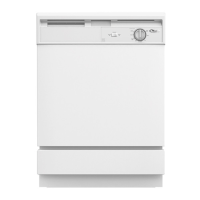
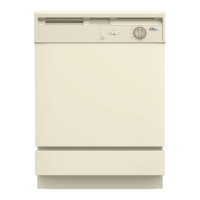
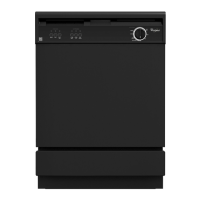
DU810, DU811
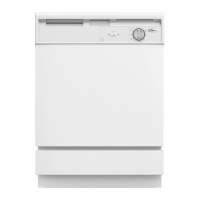
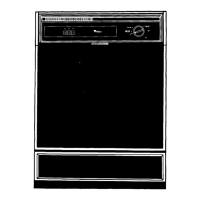
DU850



 To Next Page