6
6. Turn the Load Size selector to the correct setting
for your wash load and
the type of fabric being
washed.
•
Your washer has
three load size set-
tings.
•
Choose a load size
that allows the load to
move freely for best
fabric care. See the
“Loading” section.
•
Change the setting after the washer has started
filling by turning the selector to a different setting.
OPERATING YOUR WASHER
USING YOUR WASHER (CONT.)
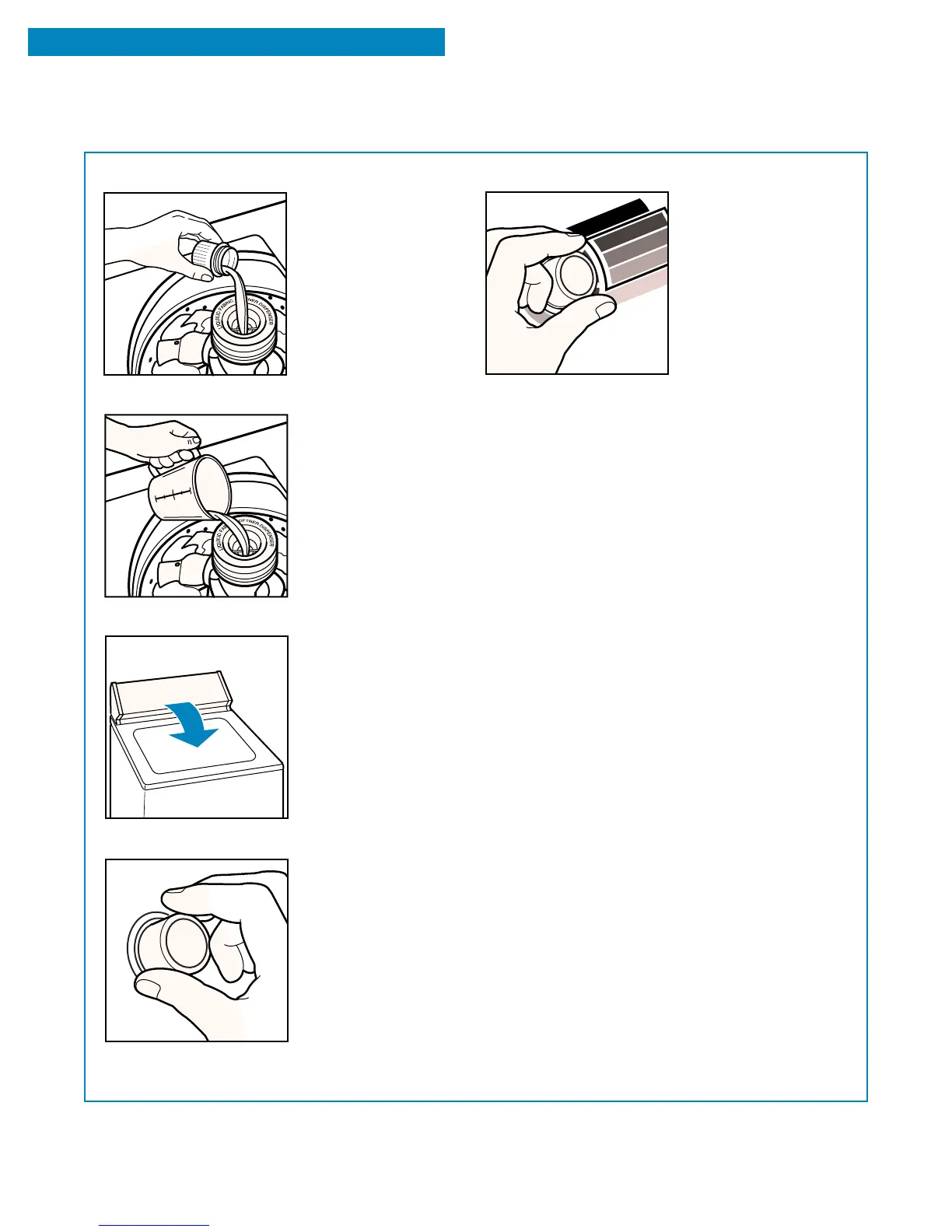
4. (OPTIONAL STEP) Pour measured liquid fabric
softener into the fabric
softener dispenser.
•
Do not spill or drip
any fabric softener on
the clothes.
•
Make sure you use
only liquid fabric
softener in this
dispenser.
7. Select a wash temperature with the Wash
Temperature selector.
The selections are
color-coordinated with
the cycles on the Cycle
Control Knob so you
can select a water
temperature that
matches the type of
fabric and soils being
washed.
•
Follow garment label instructions.
HOT: 130°F (54°C) or above.
– Whites and pastels.
– Heavy and greasy soils.
WARM: 90 to 110°F (32 to 44°C).
– Bright colors.
– Moderate to light soils.
COLD: 70 to 90°F (21 to 32°C).
– Colors that bleed or fade.
– Light soils.
8. (OPTIONAL STEP) For an additional rinse and
spin at the end of a wash cycle, set the Extra
Rinse selector to On.
5. Close the washer lid.
•
Dilute liquid fabric softener by filling the dis-
penser with warm
water until liquid
reaches the
crossbar in the
opening.
•
Softener is added
automatically during
the rinse portion of
the cycle.



 To Next Page