17
USING YOUR MICROWAVE OVEN
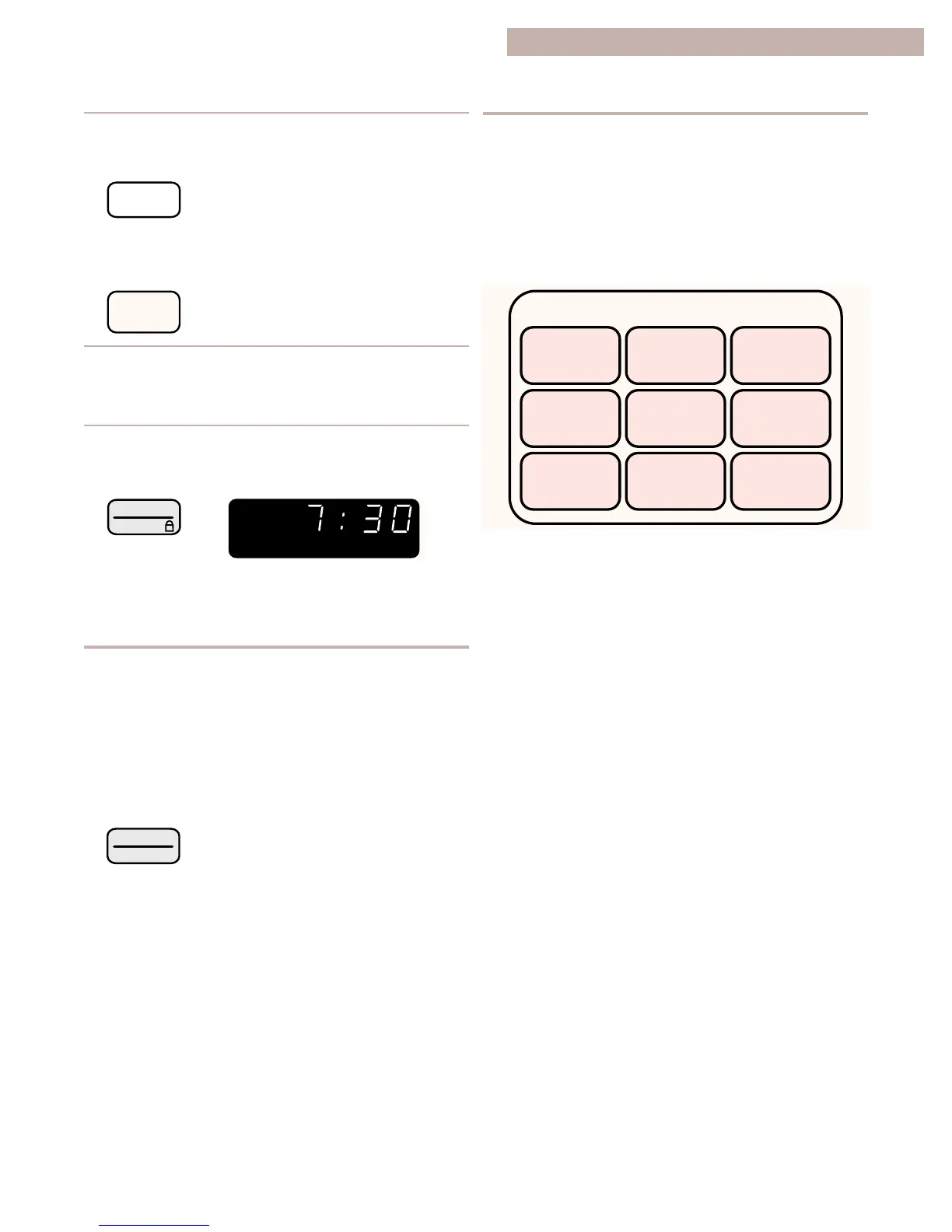
3. Set the cook power for the first cycle.
Example for 50% cook power:
4. Repeat Steps 2 and 3 to set the cooking
time and cook power for each additional
cycle.
5. Start the oven.
After the first cycle is over, 2 tones sound and
the next cycle(s) will count down.
continued on next page
2. Touch the pad again if you want a different serv-
ing size. (See “EZ-Choice cooking chart” on the
next page for serving sizes available.)
3. The oven starts heating in a few seconds
(unless the automatic start has been turned off).
EZ-CHOICE
DINNER
PLATE
BAKED
POTATOES
POPCORN
(3 SIZES)
FROZEN
ENTREE
FRESH
VEGETABLES
PIZZA
REHEAT
BEVERAGE
BAKED
GOODS
CASSEROLE
6. At the end of the cooking time:
The display will show the time of day when you
touch OFF/CANCEL.
(3 tones sound)
TOUCH
COOKING WITH MORE THAN ONE
COOK CYCLE
(CONT.)
You can cook common microwave-prepared foods just
by choosing a category and quantity. EZ-Choice has
preset times and cook powers for nine categories.
To EZ-Choice cook, follow the steps below:
1. Touch the pad for the food you want.
EZ-CHOICE COOKING




 To Next Page