The minute timer does not start or stop the oven.
It works like a kitchen timer. It can be set in hours
and minutes up to 12 hours, 59 minutes. The
minute timer will display minutes and seconds for
settings under 1 hour.
1. Press TIMER.
The timer indicator light will light up.
2. Set the interval to be timed.
Press the “up” (s) or “down” (t) pad(s) until
the correct time shows on the display.
11
SETTING THE CLOCK
USING YOUR RANGE
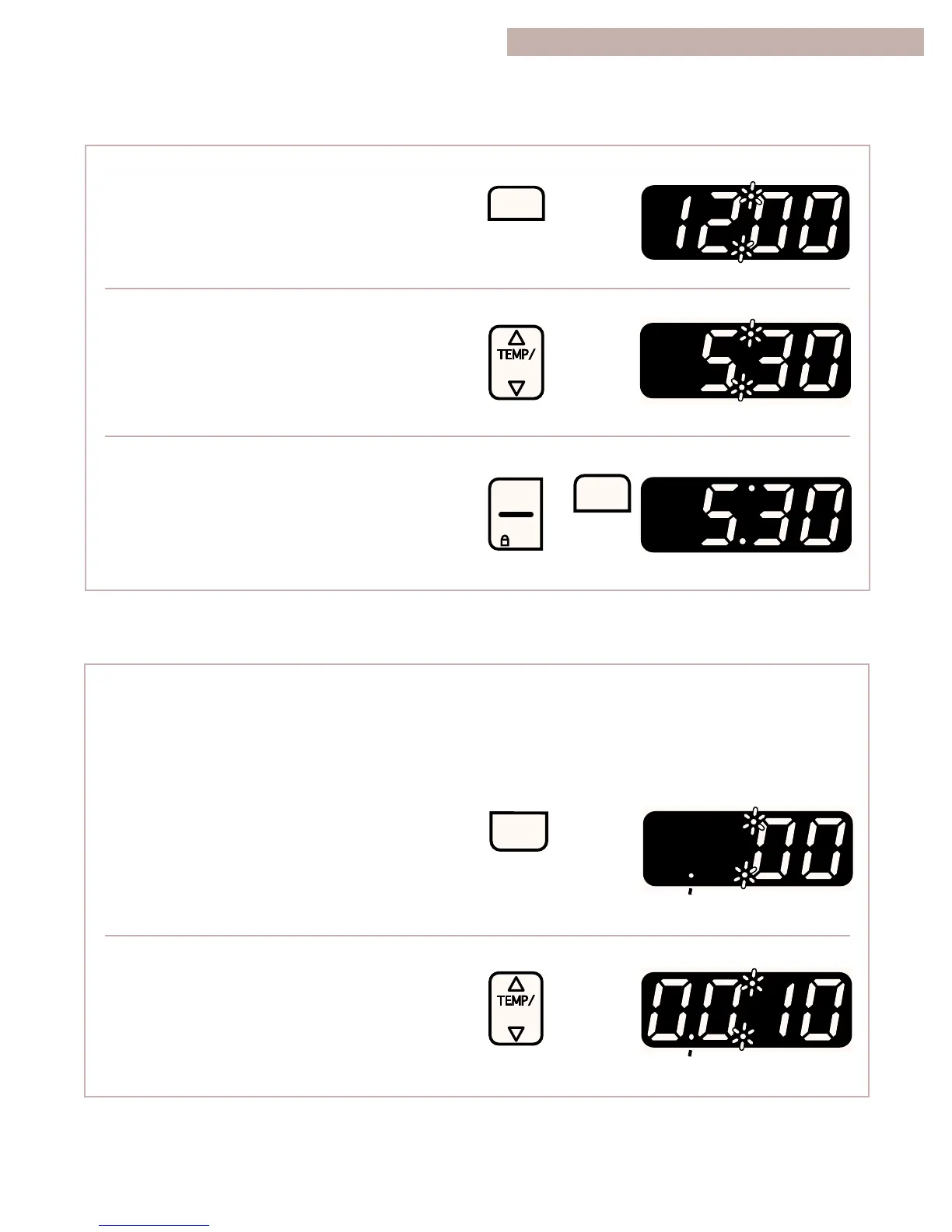
1. Press CLOCK.
2. Set the time.
Press the “up” (s) or “down” (t) pad(s) until
the correct time shows on the display.
3. Start the clock.
NOTES:
•
To see the time of day when the clock time
is not on the display, press CLOCK.
•
You must reset the clock if the power goes
off for more than 1 second.



 To Next Page