26
SETTING THE CONTROLS
USING THE SELF-CLEANING CYCLE
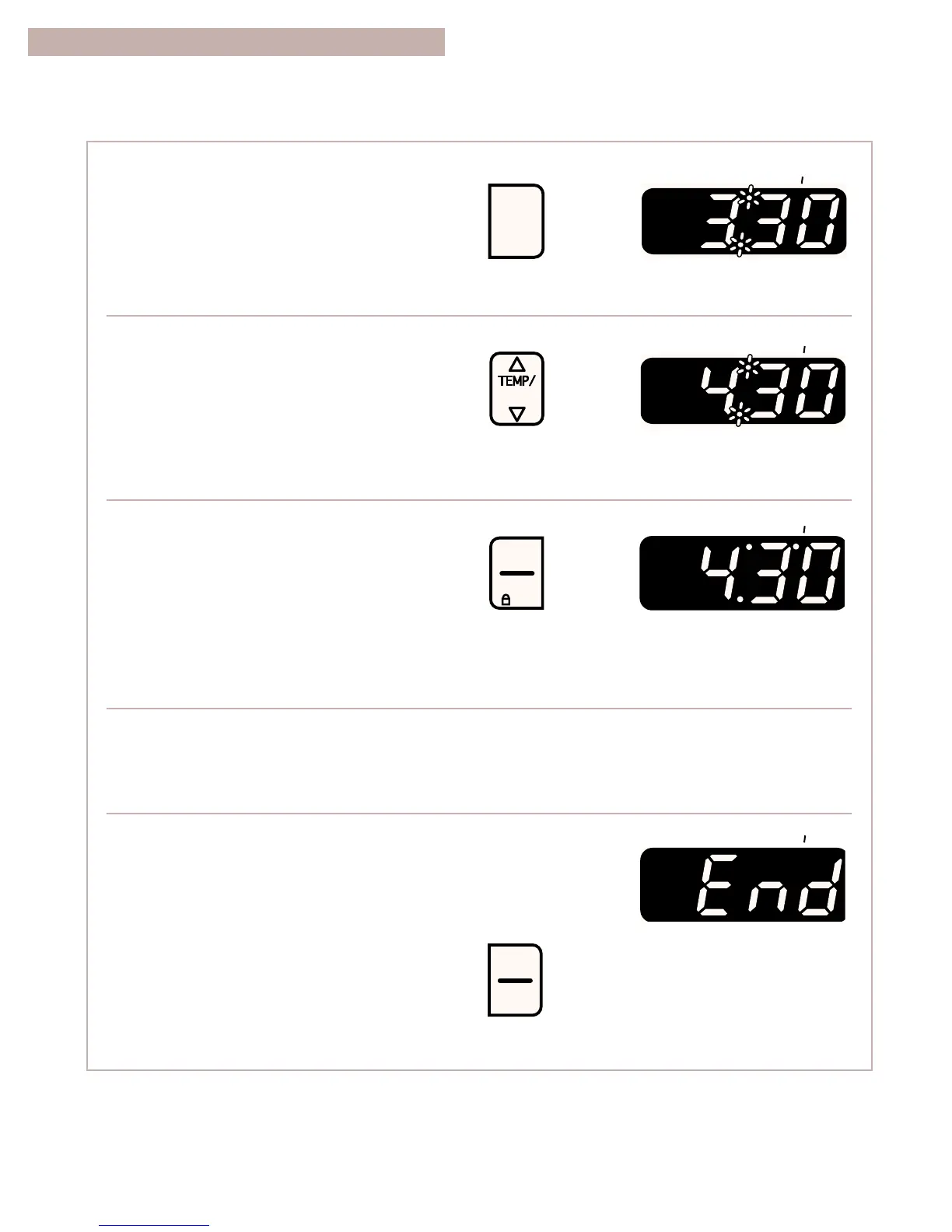
1. Press AUTO CLEAN.
The clean indicator light will light up.
This will automatically set a 3
1
⁄
2
-hour
Self-Cleaning cycle.
NOTE: There will be a 30-minute cool-down
1
⁄2 hour before the cycle is over.
2. Set the cleaning time (optional).
If you want a Self-Cleaning cycle longer or
shorter than 3
1
⁄
2
hours, use the hour and minute
pads to set the cleaning time you want. Press
the “up” (s) or “down” (t) pad(s) until a time
between 2
1
⁄
2
-4
1
⁄
2
hours shows on the display.
•
Use 2
1
⁄
2
hours for light soil.
•
Use 3
1
⁄
2
-4
1
⁄
2
hours for average to heavy soil.
3. Start the oven.
The on and heat indicator lights will light up.
NOTES:
•
Make sure the door is closed all the way. If the
door is open even a little, it will not lock. If the
door is closed, it will lock after you press
START/ENTER.
•
Do not attempt to open the oven door while
locking.
4. After the Self-Cleaning cycle starts:
The door locked indicator light will light up when
the oven door locks.
5. After the Self-Cleaning cycle ends and the oven
reaches normal baking/roasting temperatures:
The clean, door locked, and on indicator lights
will go out and the door unlocks.
Press OFF/CANCEL to clear the display.



 To Next Page