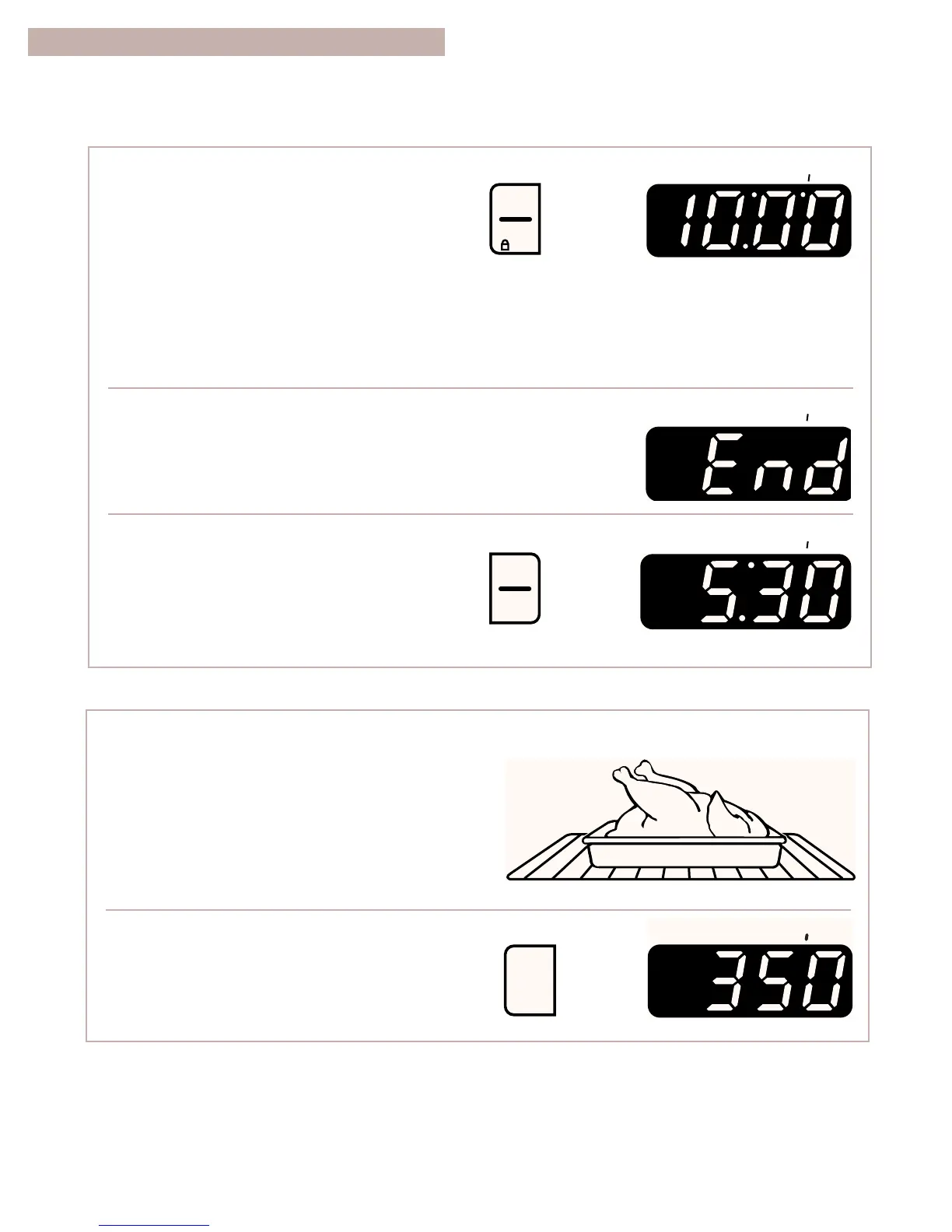
To delay start and stop automatically:
1. Place the oven rack(s) where you need them and
put your food in the oven.
To place your racks correctly, see “Positioning
racks and pans” in “Using the oven” earlier in
this section.
2. Choose the bake setting.
6. Start the oven.
NOTES:
•
You can change the temperature or time
settings any time after pressing START/ENTER
by repeating Steps 3 or 5. You do not have to
press START/ENTER.
•
The display will count down the baking/roasting
time in hours and minutes (if cook time is more
than 1 hour) or in minutes and seconds
(if cook time is less than 1 hour).
7. When baking/roasting is done:
The oven will turn off by itself and beep 4 times.
8. Turn off the oven.
NOTE: You can do this step any time to cancel
the MEALTIMER control setting.
USING THE ELECTRONIC MEALTIMER
TM
CONTROL (CONT.)
YOU SEE



 To Next Page