23
DISPLAY
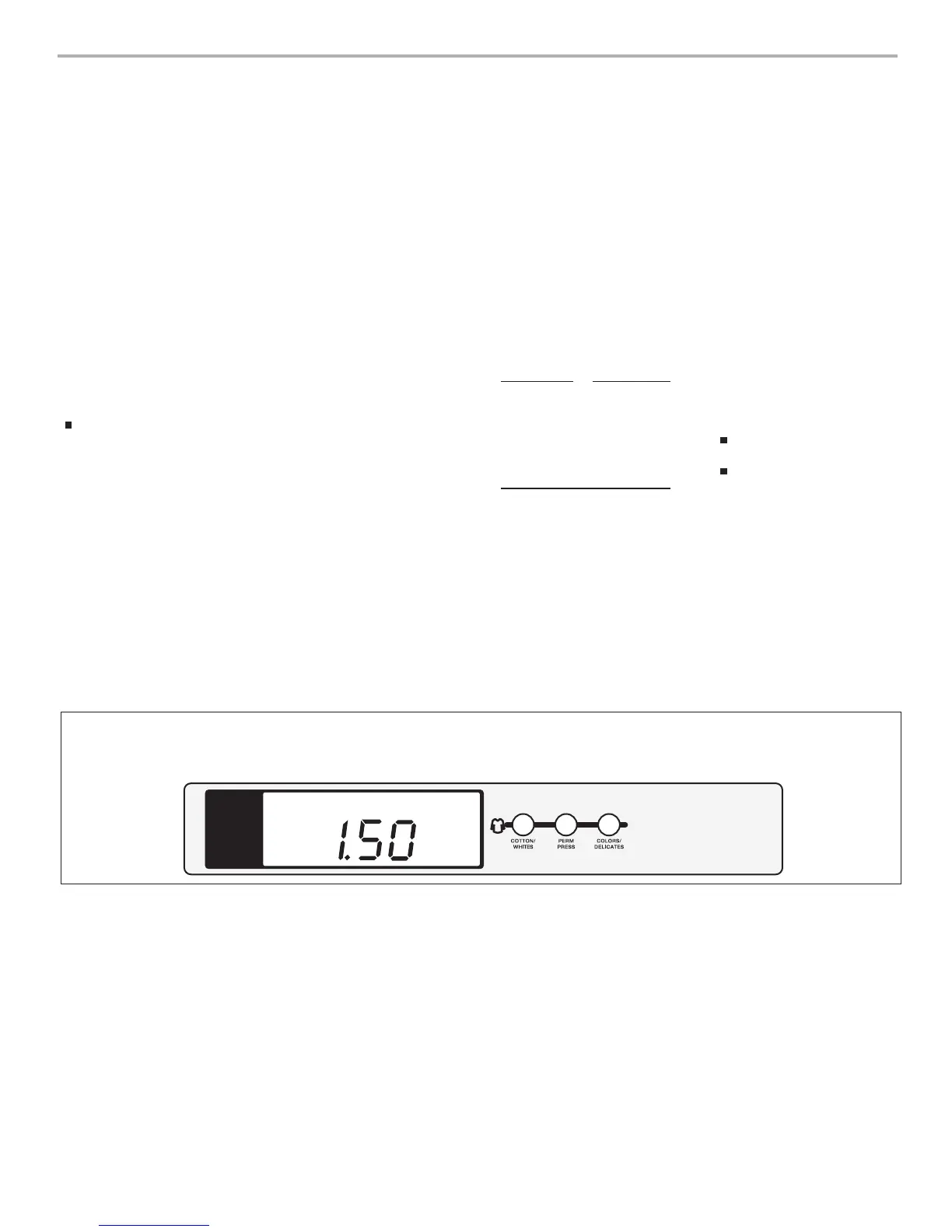
After the dryer has been installed and plugged in, the display will show
‘0 minutes.’ After the door is opened and closed, the display will show
the vend price.
AFFICHEUR
Après l’installation initiale et le branchement de la sécheuse, l’afficheur présente
‘0 MINUTES’. Après l’ouverture et la fermeture de la porte, l’afficheur présente le prix
d’utilisation.
PRICE
N
ELECTRONIC CONTROL SETUP
GENERAL USER
I
NFORMATION
Scrolling “out of order”
message, followed by a
failure or diagnostic code,
showing in display
This condition indicates the
dryer is inoperative.
‘0 Minutes’ showing in display
This condition indicates the
dryer cannot be operated. Coins
dropped or debit inputs during this
condition will be stored in escrow
but cannot be used until normal
operation is restored by opening and
closing the door. If the door switch
has failed, it must be replaced before
normal operation can be restored.
Cold start (initial first use)
Dryer is programmed at the
factory as follows:
Warm Start (after power failure)
A few seconds after power is
restored, if a cycle was in progress
at the time of the power failure,
‘RESELECT CYCLE’ will flash in the
display. This is to indicate the need
for a fabric setting button to be
pressed to restart dryer.
Pricing
After the door is opened following
the completion of a cycle, the
display indicates the cycle price
(unless set for free operation). As
coins or debit inputs arrive, the
display will change to lead the user
through the initiation of a cycle.
T
$1.50 dry price (30 minutes)
P
Any cycle started as a free cycle
will automatically terminate when
the door is opened.
Debit Card Ready
This dryer is debit card ‘cable’
ready. It will accept a variety of
debit card systems, but does NOT
come with a debit card reader.
Refer to the debit card reader
manufacturer for proper dryer
set-up. When a Generation 2 card
reader is installed, the dryer is
placed in enhanced debit mode.
In enhanced debit mode, the top
off price can be set independently
(see VALUE OF COIN 2), and the
top off time is calculated according
to the following equation:
CONTROL SET-UP
PROCEDURES
IMPORTANT: Read all instructions
before operating.
The fabric setting buttons along
with the digital display are used to
set-up the dryer controls.
The display can contain 4 numbers
and/or letters and a decimal point.
These are used to indicate the
set-up codes and related code
values available for use in
programming the dryer.
top off price
=
top off time
full cycle price full cycle length
In models converted to a Generation
1 debit card system, debit pulses
represent the equivalent of one coin
(coin 1).
NOTE: Enhanced debit mode
cannot be deselected.
Free Cycles
This is established by setting the
cycle price to zero. When this
happens, ‘SELECT CYCLE’ will
appear rather than a cycle price.
There are four (4) types of pricing:
Fixed ‘Vend’ Pricing
A dryer set up for ‘Fixed Cycle’
operation can only accept additional
time accumulated by increments equal
to the length of a complete dry cycle.
A maximum of 99 minutes may be
purchased; no additional credit is given
when 99 minutes in in the display.
Accumulator Pricing
If option d is set to d.00, and the
6 code is set to one coin 1, then
accumulator mode is in effect.
Cycle time can be purchased one
coin at a time up to the maximum
time of 99 minutes.
Fixed Cycle With Top Off Pricing
(available for use with coin drops
or card readers only)
A dryer set to offer ‘Top Off’
capability will allow time to be
added to an existing dry cycle in
increments equal to the number
of minutes of dry time per quarter
(coin 1), up to 99 minutes,
regardless of the cost required
to start the dryer. No credit
is given for coins or debit inputs
entered when the control is
displaying 99 minutes.
Penny increment offset is not
applied to top off purchases.
Howtouse the buttons
to program the controls
1. The COTTON/WHITES button
is used to adjust the values
associated with set-up codes.
Pressing the button will
increment the value by one (1).
Rapid adjustment is possible by
holding the button down.
2. The PERM PRESS button
advances through the set-up
codes. Pressing this button
will advance to the next
available set-up code. Holding
the button down will automatically
advance through the set-up
codes at a faster rate (more
than one [1] per second).
3. The COLORS/DELICATES
button is used to select or
deselect options.
Start Operating Set-Up
Insert service access door key, turn,
and lift to remove service access door.
Dryers with Card Reader Installed:
Once the debit card reader is
installed (according to the reader
manufacturer’s instructions), the
set-up mode can be entered by
inserting a manual set-up card
(supplied by the reader
manufacturer) into the card slot.
If manual set-up card is not
available, only the diagnostic mode
can be entered by removing the
service access door.


 To Next Page
 Loading...