7
FOR SERVICE TECHNICIAN’S USE ONLY
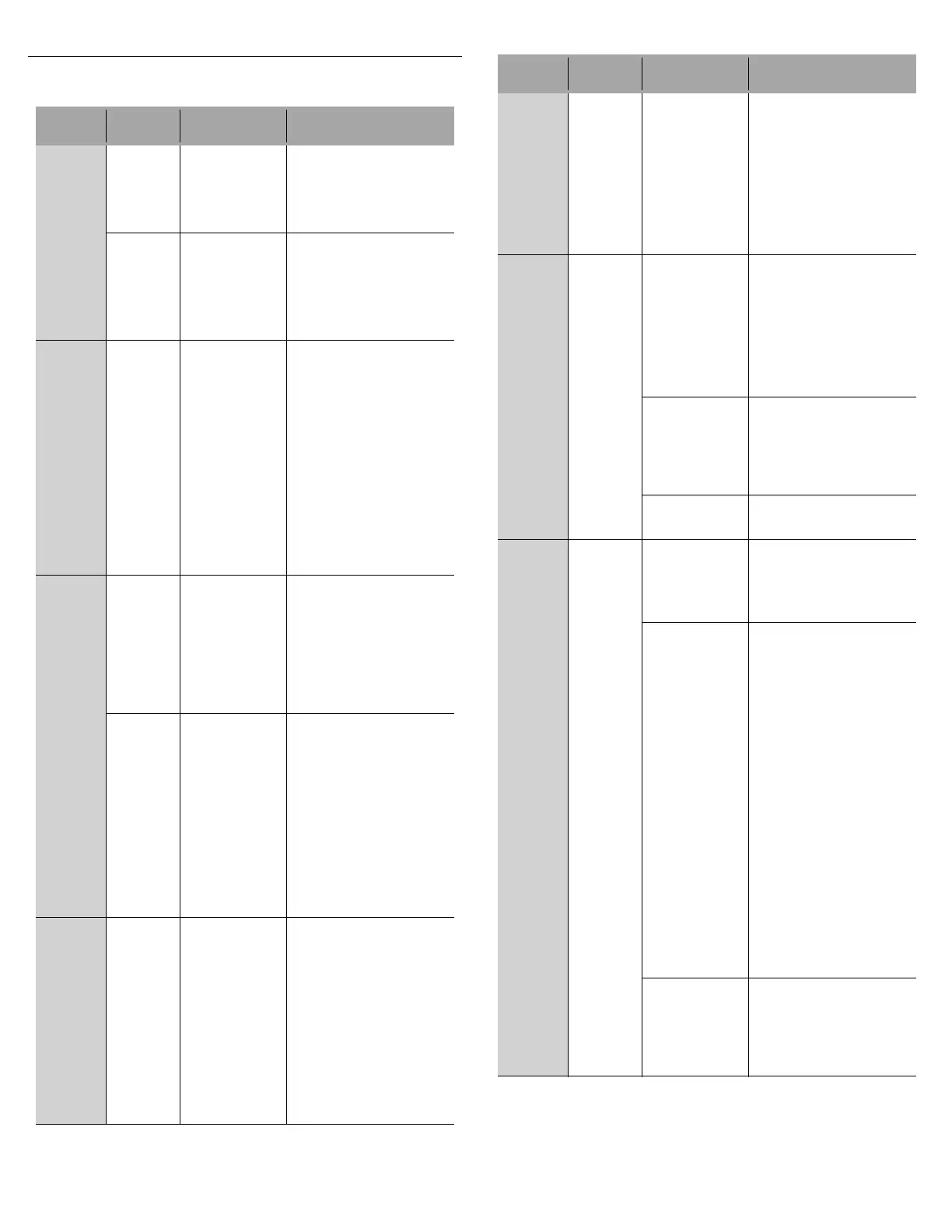
Service Error Codes Table
Example: 6-1 means “Inlet Water” function, “Low / No Water” problem.
Function
Code
Problem
Code
Causes What to Check
1-
Control
1-
Pilot
Stuck On
Control
detected K1
pilot relay
stuck closed.
1. Unplug dishwasher
or disconnect power.
2. Check all loads on K1
Pilot Relay for shorts.
3. Replace control and
all shorted components.
2-
Control
Software
Issue
Damaged
or corrupted
memory on
control board.
Incompatible
software
components
inside micro.
1. Unplug dishwasher
or disconnect power.
2. Replace control board.
2-
User
Interface
1-
Stuck
Key
Control
detected stuck
key(s) in keypad
or keypad
connection.
NOTE: If any
keys are stuck,
the stuck key
will be ignored
and an error
recorded to the
service history
but no alert to
customer.
Check responsiveness
of each key.
If some keys do not
respond:
- Unplug dishwasher
or disconnect power.
- Disassemble door
and inspect for correct
assembly of control,
console, and button tree.
- Adjust assembly to
eliminate stuck keys,
reassemble door and
test each key.
- If key(s) still stuck/
unresponsive,
replace control.
3-
Ther-
mistor/
OWI
1-
Open
Open connector
or component in
Temperature
Sensing circuit.
Open or faulty
temperature
sensor.
Temperature
sensor input on
control.
1. Check operation of
temperature sensor in
Service Diagnostics cycle.
2. Unplug dishwasher
or disconnect power.
3. Check all components
and connections in the
Temperature Sensing
circuit with meter.
2-Shorted Incoming water
temperature
above 167°F
(75°C).
Shorted
connection or
component in
Temperature
Sensing circuit.
Shorted or faulty
temperature
sensor.
Temperature
sensor input
on control.
1. Check incoming water
temperature.
2. Check operation of
temperature sensor in
Service Diagnostics cycle.
3. Unplug dishwasher
or disconnect power.
4. Check all components
and connections in the
Temperature Sensing
circuit with meter.
3-
Failed
Calibra-
tion
1. OWI failure. 1. Check all connections in
Soil Sensing circuit.
2. Check OWI lens surface.
clean if needed.
3. Run Service Diagnostics
to check OWI operation.
OWI should see low soil
with clear water. Unplug
dishwasher or disconnect
power and replace OWI or
control if needed.
NOTE: Run diagnostics
after installing OWI to force
calibration on next regular
wash cycle.
3-
Ther-
mistor/
OWI
(cont.)
3-
Failed
Calibra-
tion
(cont.)
2. Drain hose
check valve
not sealing.
Dirty water backs into
dishwasher after draining.
1. Disconnect drain hose
at plumbing connection.
2. Elevate hose above
dishwasher and fill with
water. If water flows into
dishwasher, replace entire
drain loop (install as high
as possible and attach
to underside of countertop
if possible).
4-
Wash
Motor
3-
Motor
Not
Running
1. Loose
connection in
Motor circuit
and/or faulty
wash motor.
1. Check operation of wash
motor during diagnostics.
2. Unplug dishwasher
or disconnect power.
3. Check resistances
of connections in the
Wash circuit.
- Check/fix loose
connections or replace
wash motor.
2. Control Motor
Drive circuit or
Sense circuit.
1. Unplug dishwasher
or disconnect power.
2. If meter check of Wash
Motor circuit shows normal
resistance and still not
getting power to the wash
motor, replace control.
3. Open fuse on
control.
Refer to “Fuse Service
Check” in “Meter Check of
Loads and Fuses” section.
5-
Door
Switch
1-
Door
Stuck
Open
1. Door was not
latched within
4 seconds of
pressing the
Start/Resume
key.
Instruct customer. Refer
to Use and Care Guide.
2. Loose
connection in
Door Switch
circuit and/or
door switch
contacts stuck
open and/or
door switch
contacts stuck
open and/or
door switch not
making contact:
- Sloppy door
latch assembly
(which can be
aggravated by
high door
closure force,
keeping strike
plate from fully
seating).
- Door switch
(high
resistance).
1. Check strike plate
and door closure force.
Verify door seal is seated
properly. Check for
interference between
dish racks and door. Try
bending strike plate down
for better engagement.
2. Unplug dishwasher
or disconnect power.
3. Check resistances
of door switch contacts
and all connections in the
Door Switch circuit while
opening and closing the
door latch.
- If high resistance with
door closed, check/fix
loose connections.
4. Measure resistance
of door switch contacts
while checking mechanical
operation of latch
assembly. Check for
broken plastic pieces
on latch assembly.
Replace latch if faulty.
3. If none of
the above.
1. With door open, verify
13 VDC present across
P9-5 and P9-6
2. If no voltage present,
unplug dishwasher or
disconnect power and
replace control.
Function
Code
Problem
Code
Causes What to Check


 To Next Page
 Loading...