EasyManua.ls Logo

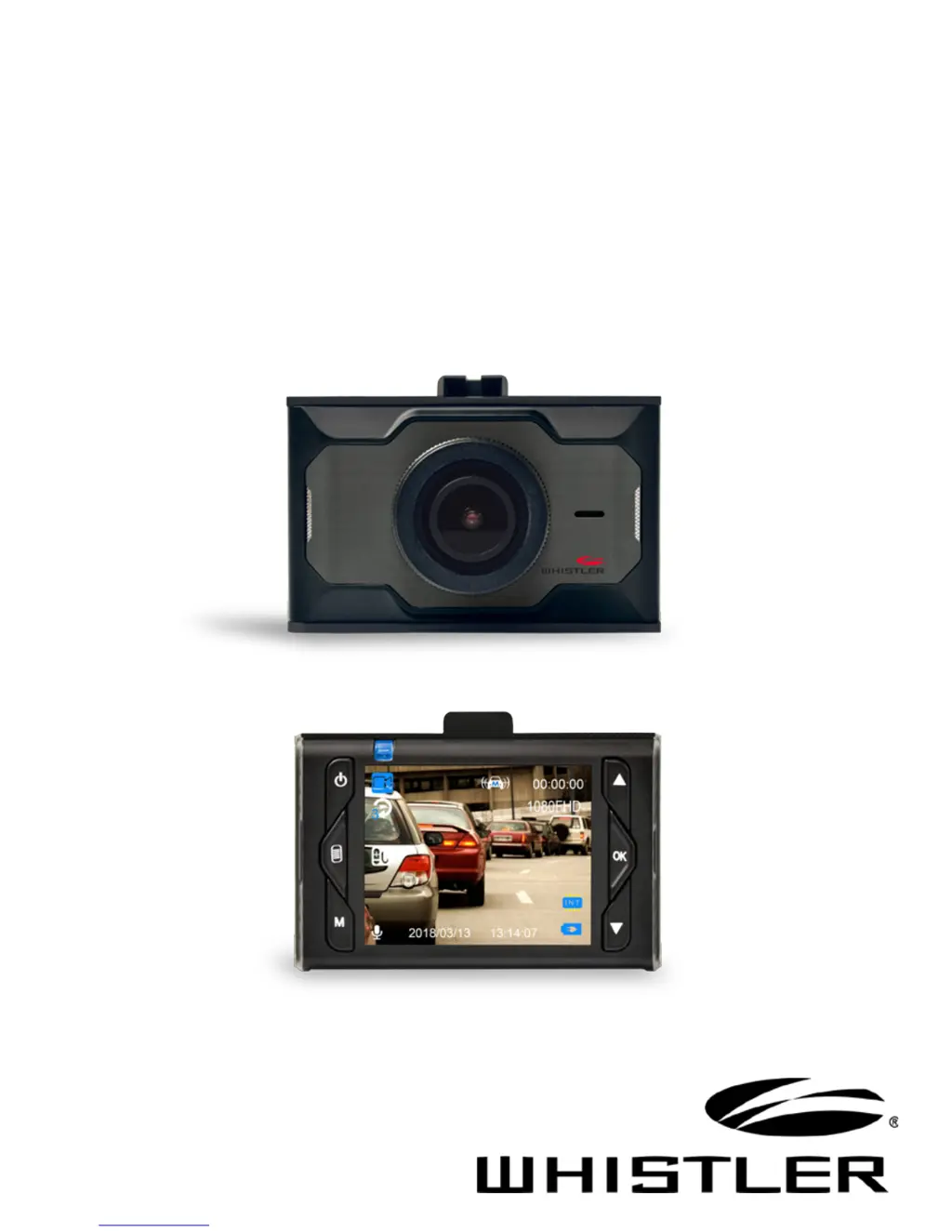
Whistler D250 - User Manual

Whistler D250
28 pages
Print Icon
To Next Page IconTo Next Page
Loading...
D250
User Guide
AUTOMOTIVE
DIGITAL VIDEO RECORDER

Questions and Answers

  • Z
    ztaylorAug 9, 2025
    How to fix unclear video or photo on Whistler D250?
    • L
      Leah PittsAug 9, 2025
      If your Whistler Dash Camera video or photo quality is unclear, inspect the lens for any fingerprints, protective film, or obstructions. Clean the lens using a soft cloth.
  • C
    Craig AvilaAug 13, 2025
    What to do if my Whistler Dash Cameras unit doesn’t work with my SD Card?
    • A
      Autumn McintoshAug 13, 2025
      If your Whistler Dash Camera doesn't recognize the SD card, try removing and reinserting it. If that doesn't work, the SD card may be damaged or unsupported. Try using a different memory card; SanDisk is recommended.
  • P
    pittsshawnAug 19, 2025
    Why my Whistler Dash Cameras can’t record or take photo?
    • J
      Joseph CarlsonAug 19, 2025
      If your Whistler Dash Camera can’t record or take photos, ensure that you are using a micro SD card that is class 10 or higher and that it has sufficient available storage capacity.
  • H
    hwilliamsAug 23, 2025
    What to do if Whistler D250 Dash Cameras record black image when recording sky or water scene?
    • M
      Misty ChaneyAug 25, 2025
      If you're getting a black image when recording scenes with a lot of sky or water on your Whistler Dash Camera, it's because high contrast can affect the camera's automatic exposure. To fix this, adjust the Exposure setting in the Global menu settings.
  • M
    Mary WarnerAug 28, 2025
    What to do if “files error” appears during replay on Whistler D250 Dash Cameras?
    • M
      Michael AlexanderAug 28, 2025
      If you see a “files error” message during replay on your Whistler Dash Camera, it indicates that there are uncompleted files due to a micro SD card storage error. You should reformat or replace the card.
  • T
    Terry CollinsSep 3, 2025
    How to fix cross stripe interference in image on Whistler D250 Dash Cameras?
    • T
      Travis PittsSep 3, 2025
      Cross stripe interference in the image from your Whistler Dash Camera is caused by an incorrect “Light Frequency“ setting. Check the MENU Settings and set the frequency to either 50Hz or 60Hz.

Whistler D250 Specifications

General IconGeneral
G-SensorYes
Loop RecordingYes
Parking ModeYes
GPSNo
Night VisionYes
Viewing Angle120 degrees
Memory Card SupportMicroSD up to 32GB
Field of View120 degrees
DisplayLCD
StorageMicroSD card
Resolution1920x1080

Related product manuals