EasyManua.ls Logo

Whistler D11VR - User Manual

Whistler D11VR
20 pages
Print Icon
To Next Page IconTo Next Page
Loading...
USER MANUAL
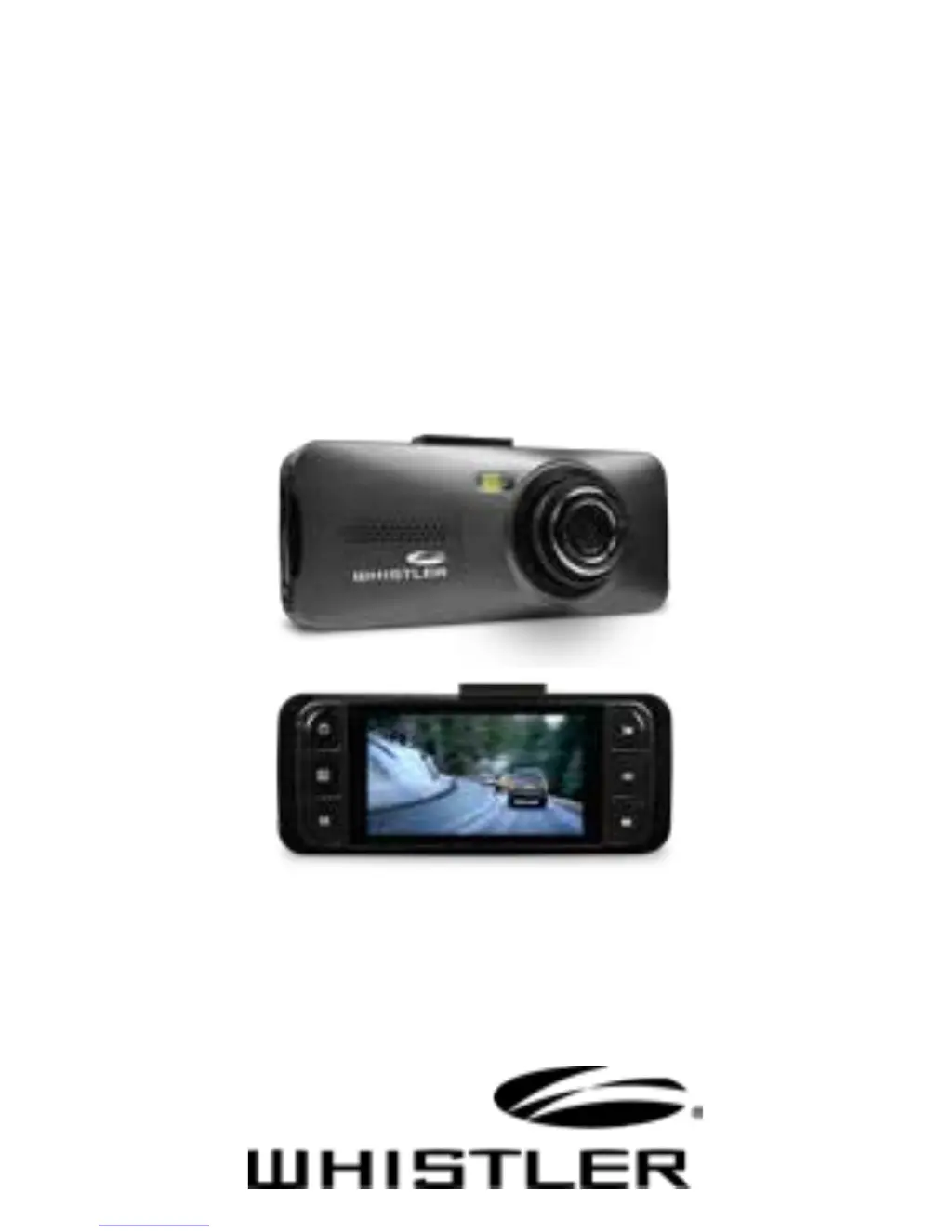
DVR Camera
D11VR

Other manuals for Whistler D11VR

Questions and Answers

  • J
    jasonrodriguezJul 27, 2025
    Why does my Whistler D11VR Dash Cameras have cross stripe interference in the image?
    • C
      Charlotte JuarezJul 27, 2025
      If you're seeing cross stripe interference in your Whistler Dash Cameras' image, it's likely due to an incorrect “Light Frequency“ setting. To fix this, check the setting for 50Hz or 60Hz in the MENU Settings and adjust accordingly.
  • G
    George GuerreroAug 1, 2025
    What to do if my Whistler D11VR record a black image when recording the sky or water?
    • J
      John DonovanAug 1, 2025
      If your Whistler Dash Cameras unit shows a black image when recording sky or water, you should adjust the Exposure setting in the Global menu settings to correct the image.
  • J
    Jeremiah GutierrezAug 8, 2025
    Why are the videos or photos from my Whistler Dash Cameras unclear?
    • A
      Alexander LindseyAug 8, 2025
      If your Whistler Dash Cameras is showing video or photo that is unclear, examine the lens for any obstructions like fingerprints or protective film. Clean the lens with a soft cloth.
  • J
    Julia RamseyAug 13, 2025
    What to do if “files error” appears during replay on Whistler Dash Cameras?
    • D
      Donna JoyceAug 13, 2025
      If you see a “files error” appear during replay on your Whistler Dash Cameras, it indicates uncompleted files due to a microSD card storage error. Try reformatting or replacing the card.
  • C
    Charles HarveyAug 19, 2025
    What to do if my Whistler D11VR Dash Cameras unit doesn’t work with my SD Card?
    • J
      Jeremy BrownAug 19, 2025
      If your Whistler Dash Cameras doesn’t work with your SD Card, first remove the SD card and reinsert it. If the device still doesn't recognize the card, the SD card may be damaged, or the device might not support that type of memory card. Try using a different memory card.

Summary

Whats Included

Package Contents

Lists all items included in the DVR package.

Device Features Overview

Visual Component Identification

Visual identification of the DVR's parts and numbered features.

Button and Function Details

Control Button Operations

Explains the specific functions of each button and control on the DVR.

Operations and Features

Device Accessories and Indicators

Details on bracket mount, microphone, reset button, and status LED.

Initial Setup: Card and Charging

Guide to inserting microSD card and charging the unit.

Operations: Installation

Windshield Bracket Mounting

Step-by-step guide for mounting the DVR on the windshield.

Operations: Power Management

Vehicle Power Connection and Control

Instructions for connecting to vehicle power and managing power/LED status.

Operations: Recording

Video and Image Capture

Instructions for recording video and taking photos with the DVR.

Operations: Playback

Reviewing Recorded Media

How to access, select, and play back recorded videos and images.

Operations: Settings

Menu and USB Configuration

Navigating menu options and configuring USB connection modes.

Operations: Advanced Functions

Connectivity and Special Features

Viewing on TV, battery charging, G-sensor, and loop recording.

Troubleshooting: Common Issues

Problem Diagnosis and Solutions

Addresses common problems like card errors, unclear images, and interference.

Device Reset Procedure

Procedure for restoring the device using the reset button.

Troubleshooting: Usage and Care

Proper Use and Maintenance

Recommendations for proper usage and environmental care of the unit.

Specifications: Technical Data

DVR Hardware Specifications

Detailed technical data for the DVR camera, including dimensions, resolution, and formats.

Specifications: Key Features

Product Functionality Highlights

Highlights essential functionalities like low illumination, lens quality, and charging.

Menu Options and Settings

Configuration Settings Details

Detailed options for image resolution, loop video, system, and playback settings.

Warranty Information: Terms

Consumer Limited Warranty

Outlines the limited warranty, conditions, and exclusions.

Warranty Information: Service

Warranty and Out-of-Warranty Service

Steps for returning the unit for service under or out of warranty.

Warranty Information: Support

Customer Support and Contact

How to contact customer service for questions or service needs.

Whistler D11VR Specifications

General IconGeneral
BrandWhistler
ModelD11VR
CategoryDash Cameras
LanguageEnglish

Related product manuals