Need help?
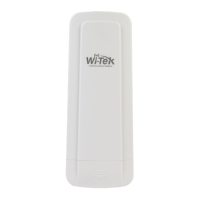
Do you have a question about the Wi-Tek WI-CPE517 and is the answer not in the manual?
Instructs on setting static IP addresses and subnet masks for device connectivity and access.
Explains how to log into the device's web interface using default credentials.
Guides through the setup wizard to configure one device in AP mode, including country and basic parameters.
Covers setting wireless operation mode, SSID, and security protocols like WPA2-PSK.
Guides on setting the country and static IP address for client mode configuration.
 General
| Model | WI-CPE517 |
|---|---|
| Type | Wireless Access Point |
| Max Data Rate | 300Mbps |
| Ethernet Ports | 1 x 10/100Mbps |
| Antenna Type | Directional |
| Wireless Security | WPA-PSK/WPA2-PSK, WPA/WPA2 |
| Operating Mode | AP, Client, Repeater |


 To Next Page