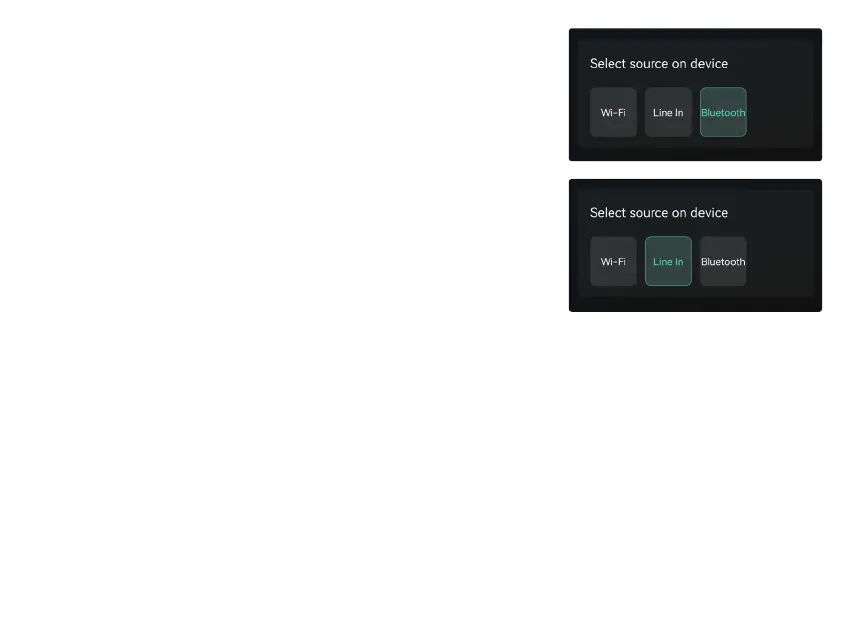
Choose the Bluetooth mode on the application Or long press - & + buttons
for 3 secs, the LED will change to green.
Open the Bluetooth on your mobile device.
Pair the device Bluetooth (WiiM Mini) and play.
Once you connect AUX in cable, you can choose AUX mode on the
application to play sound from the audio source connected.
With Voice Control, you can navigate and interact with your device using your voice to search, play, stop or skip
music and more.
When Voice Control is congured, you can speak commands just like you would perform an action by touch.
8.3.4 To Play Bluetooth Mode
8.3.5 To Play Optical or AUX in Mode
8.4 Voice Control


 To Next Page