Download Amazon Alexa App and turn on Amazon devices or 3rdparty Alexa Built-in devices.
● Congure one to more devices.
If your device is not logged into your Amazon account in the WiiM Home App.
● Open WiiM Home App, click “Browse -> Amazon Alexa -> Get Started”
● Log in to your Amazon account.
● Open the Amazon Alexa app and log in.
If your device is logged into your Amazon account in the WiiM Home App.
● Open the Amazon Alexa app and log in the same Amazon account as the WiiM Home app.
● Click "Devices" at the bottom of the page.
● Click "+" in the top right corner.
● Click "Combine speakers ->Multi-room music"
● Select the congured Echo or other Amazon devices and the congured WiiM mini device.
● Click "Next" and choose the group name (Bedroom or other).
● Amazon Alexa app prompt that the group has been created.
● "Alexa, play some music in the Bedroom, then the Multi-room group playback can be controlled.
8.4.1 Works With Alexa
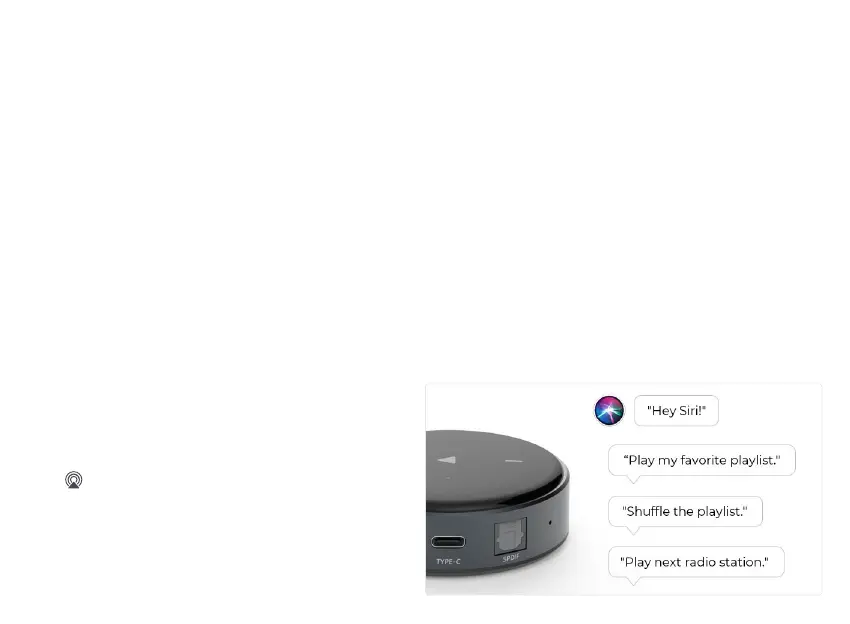
8.4.2 Works With Siri
● Congure one to more devices.
● Open a music app (like Apple Music) and select a
track to play.
● Tap .
● Select your speaker/speakers or Home Pod.
● Say “Hey Siri, stop music/Play music” or touch the
top of Home Pod to wake up Siri, say “Stop music/
Play music”.


 To Next Page