19WIKA operating instructions pressure switch model PSA-31
GB
14018458.01 11/2011 GB/D/F/E
6. Commissioning, operation
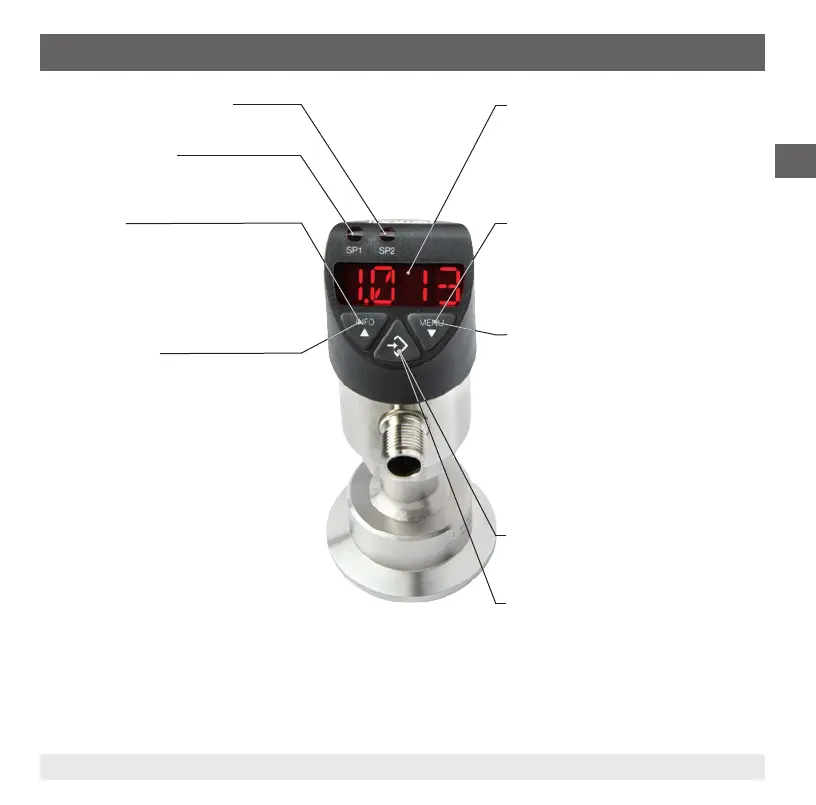
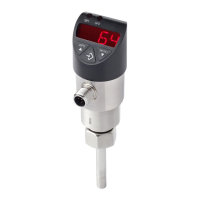
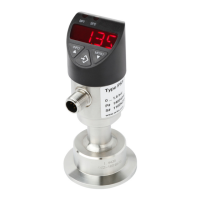
4-digit LED display
■
Display pressure value
■
Display menu item
■
Display parameter
Status switching output 1
Status switching output 2 (optional)
Display mode
▶ Short press
Display of the unit
▶ Long press
Display of the set parameters see chapter
6.4 "Parameters"
Programming mode
▶ Short press
Menu up
Parameter value up (step-wise)
▶ Long press
Menu up
Parameter value up (fast)
Display mode
▶ Short press
Display of the unit
▶ Long press
Jumping into the programming mode
Programming mode
▶ Short press
Menu up
Parameter value up (step-wise)
▶ Long press
Menu up
Parameter value up (fast)
Display mode
▶ Short press
Display of the unit
Programming mode
▶ Short press
Select menu item
Conrmation of the input


 To Next Page