Notifications Panel
Drag the status bar downwards to see details of all
received, upcoming calendar events, download status,
etc. will then be displayed.
Press on
(applications that are running are still listed).
To close the panel, drag it upwards or press on
RETURN
.
To access the settings panel, press on
.
Shortcut: pull the notification downwards with
two fingers.
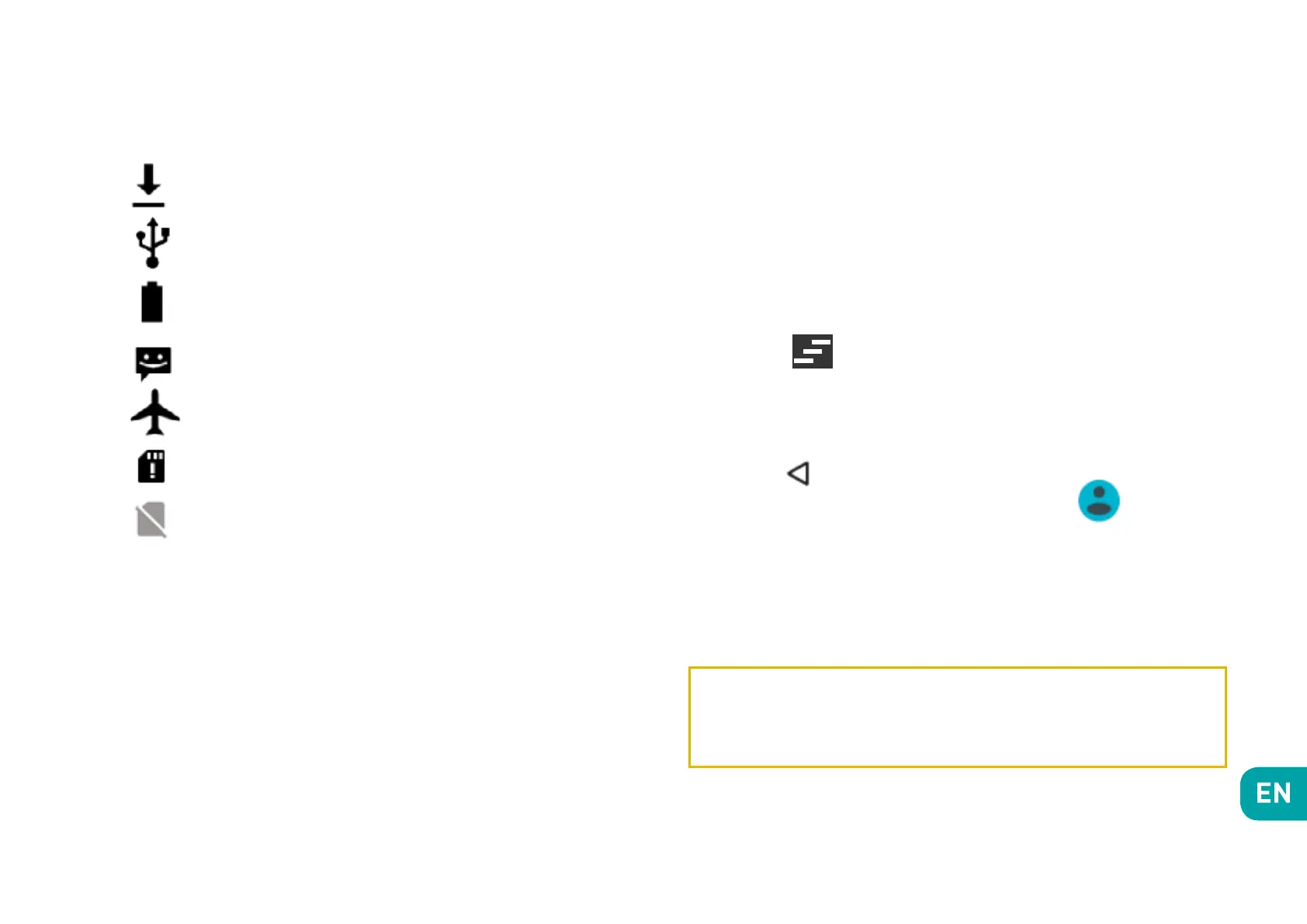
Downloading
Connected to computer
Battery level
New SMS or MMS
Airplane mode on
SIM card modified
No SIM card


 To Next Page