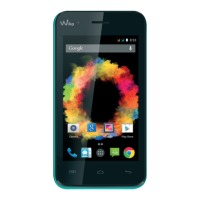
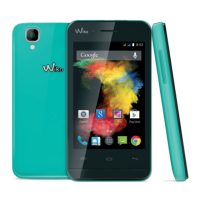
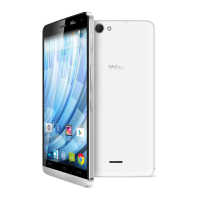
~ The buttons on your phone
Button
On/Off
Home
Overview
Return
VOLUME + / -
Press and hold the button to turn the phone on or off.
Press the button lightly to lock the touch screen.
Returns to the home screen and opens Google NOW (press and
hold the button).
Opens the list of recent applications.
Returns to the previous screen. Closes the onscreen keyboard.
Increases or decreases the call volume, the ringtone, music,
games and other audio functions.
Switch the ringtone to silent mode when the phone rings.
Function


 To Next Page