18
Browse the Web
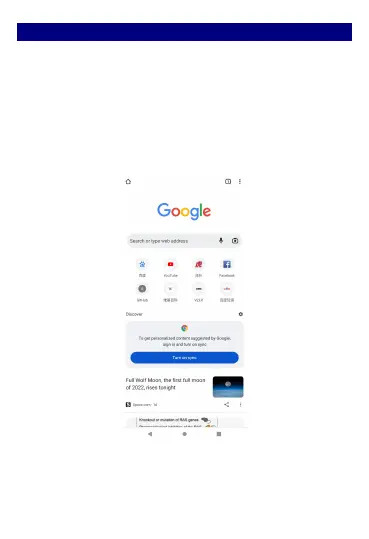
On the start screen open the browser; click the URL on the
screen to search or tap website address.
The browser is fully optimized and comes with advanced
features that let you enjoy Internet browsing on your
phone.
You must have an active data connection or Wi-Fi
connection to access the Internet.



 To Next Page