6
Default Selection
Redirect
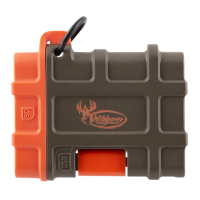
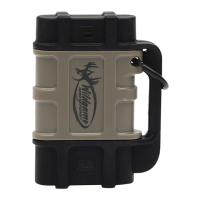
5. Once the reader is connected, a message will pop up on the device asking
which app you want to use to open the files. Select the QuickPic app. (This
will become the default selection, so you should not have to go through
this step for future uses.)
6. This should automatically redirect you to the app. Select “DCIM” then
“100MEDIA” on the screen.


 To Next Page