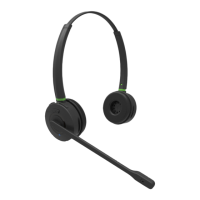
MONOLED-BT/ DUOLED-BT HEADSET USER GUIDE - ENGLISH!
LED INDICATORS
Status LED
Headset status LED
Base Station pairing LED
• Successful connection - long blue blinks
• Pairing - fast blue and red blinks
CHECK THE BATTERY LEVEL
•
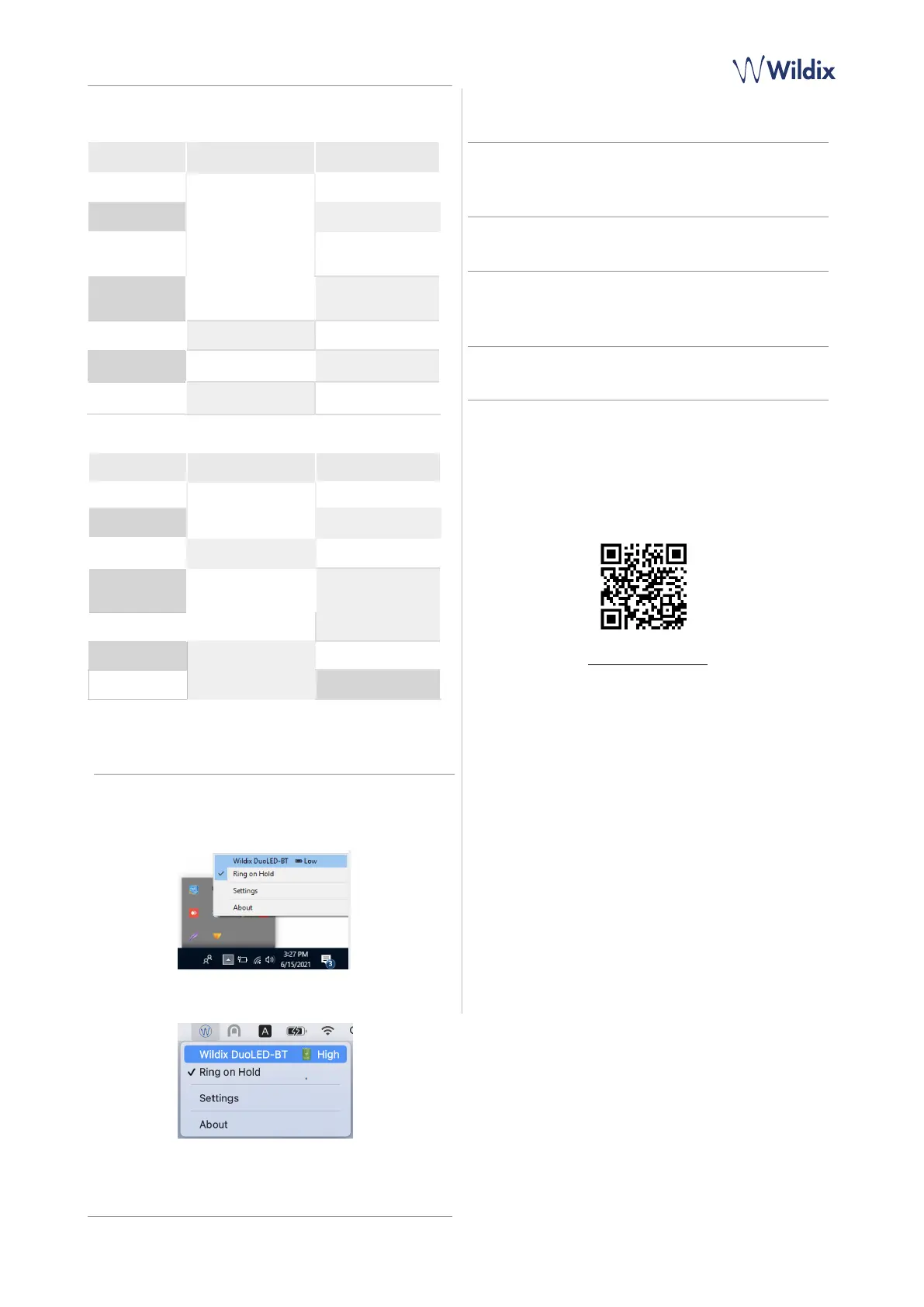
On Windows, go to Quick Launch Toolbar -> right-click on!Wildix
Integration Service!icon and check the level of battery (Low,
Medium, High):
•
On macOS, go to Menu Bar -> click on WIService icon and
check the level of battery (Low, Medium, High):
ANSWER A CALL
Press Multi-function button to answer a call.
ADJUST VOLUME DURING A CALL/ RINGER VOLUME
Press Volume Up to increase the volume.
Press Volume Down to decrease the volume.
MUTE A MIC
Press Mute button during a call to put a call on hold / resume.
PUT ON PAUSE/ RESUME A CALL
Press!Multi-function!button for 2 seconds!during a call to put
a call on hold / resume.
END A CALL
Press Multi-function button to finish a call.
Long blinks followed
by fast short blink



 To Previous Page