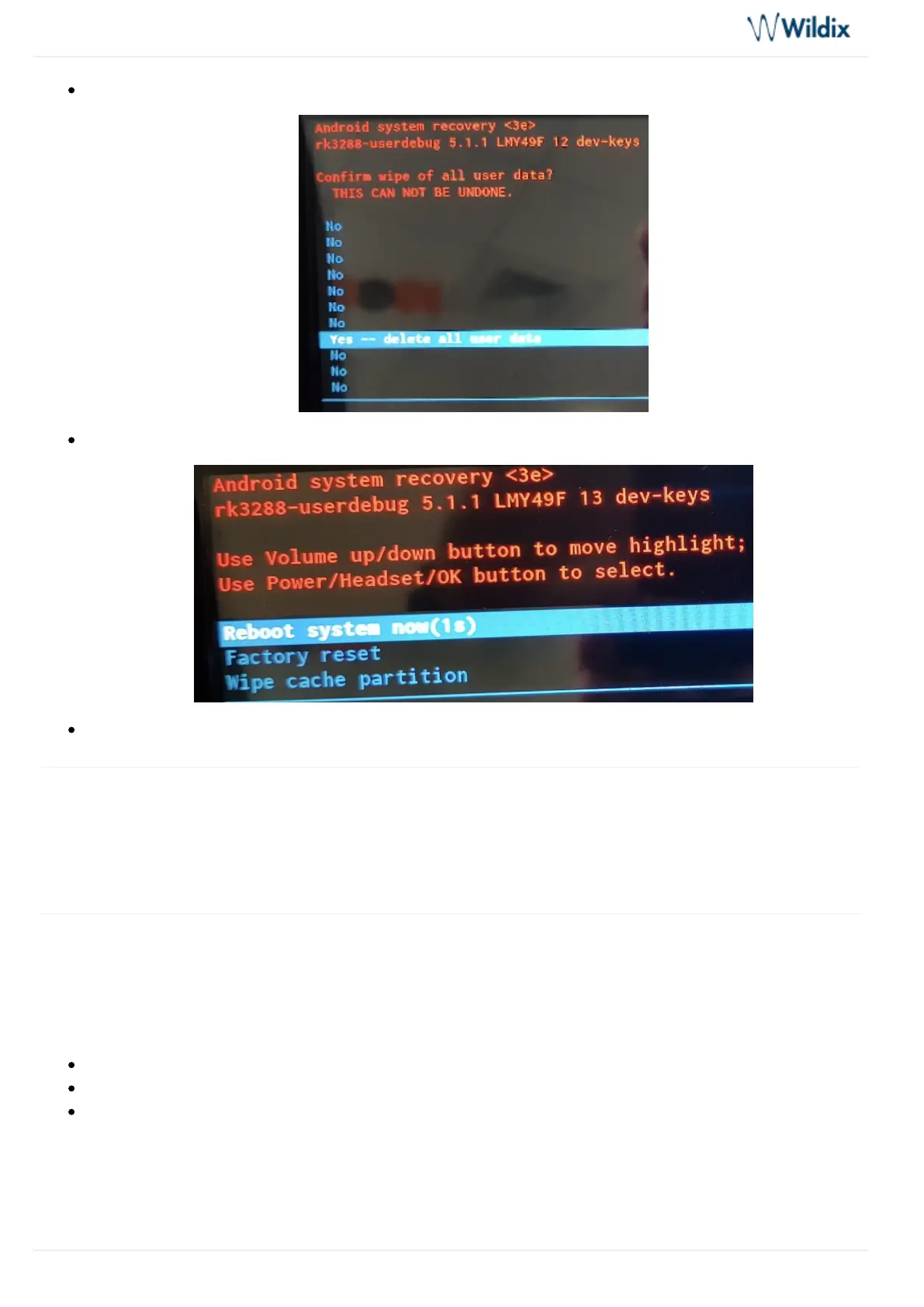
To proceed with factory reset, select option and press button to confirm Yes Speaker
Select and press button to start the reset or wait 5 seconds for auto reboot Reboot system now Speaker
After reset procedure, update Phone app to the latest version
Appendix 5. Sync of contacts
To be able to access your Wildix PBX corporate phonebooks from SuperVision, you need to set up CardDAV
sync: .CardDAV Sync of Contacts
Appendix 6. Set up Google account
You can sync your phone with your Google account. It allows you to use Google Calendar and to download
applications from Google Play Market.
Tap Settings
Go down to Accounts section and tap + Add account
Tap Google



 To Next Page