Appendix 7. Use People menu
Customize personal phonebooks
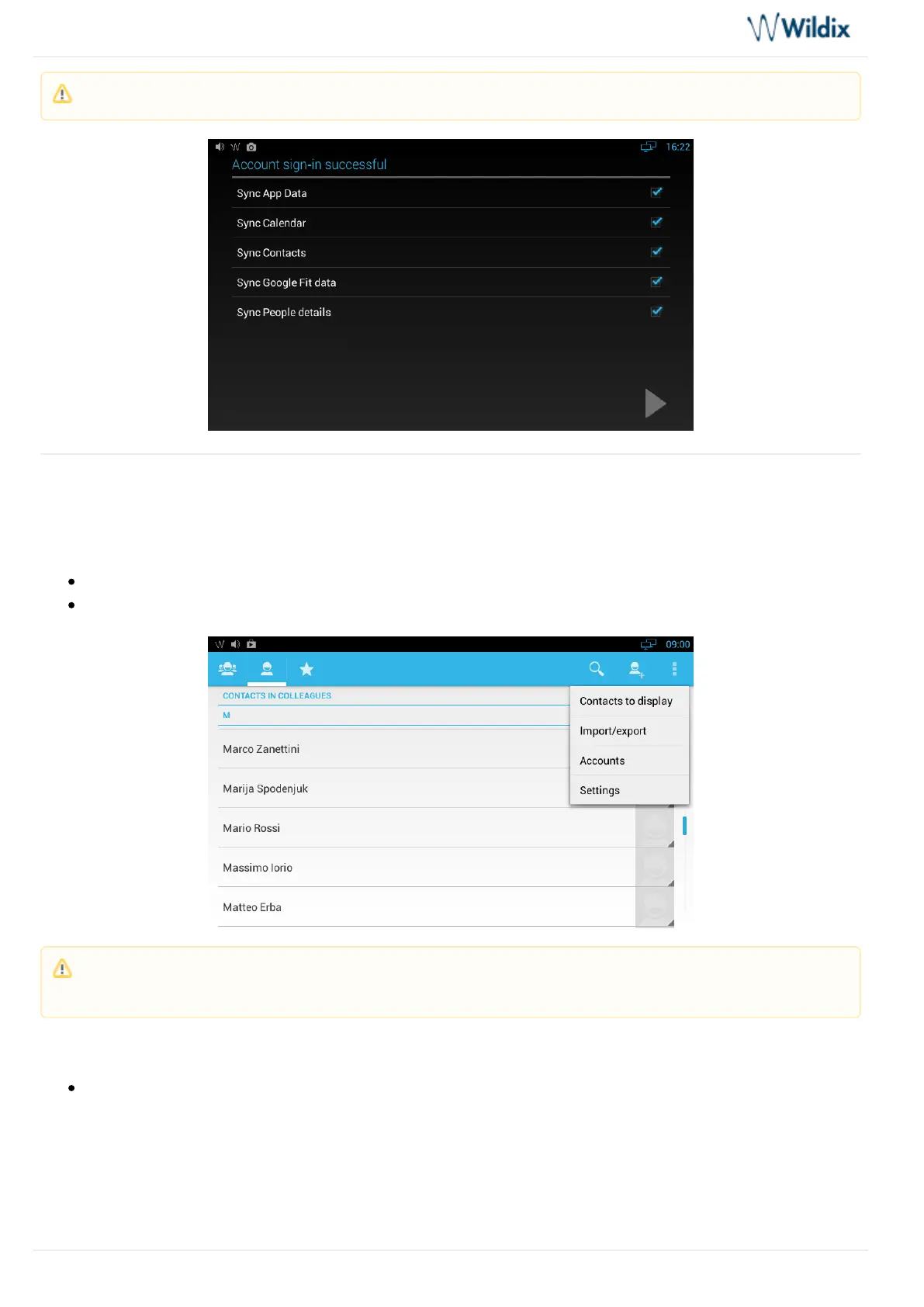
Press the Context menu button
Select Contacts to display
Tick off the phonebooks that you wish to display in this menu:
Note: During the sign in process you are requested to choose which data you would like to sync.
Note: By tapping “Settings” you can choose to sort list and to view contact names by First name / Second
name.



 To Next Page