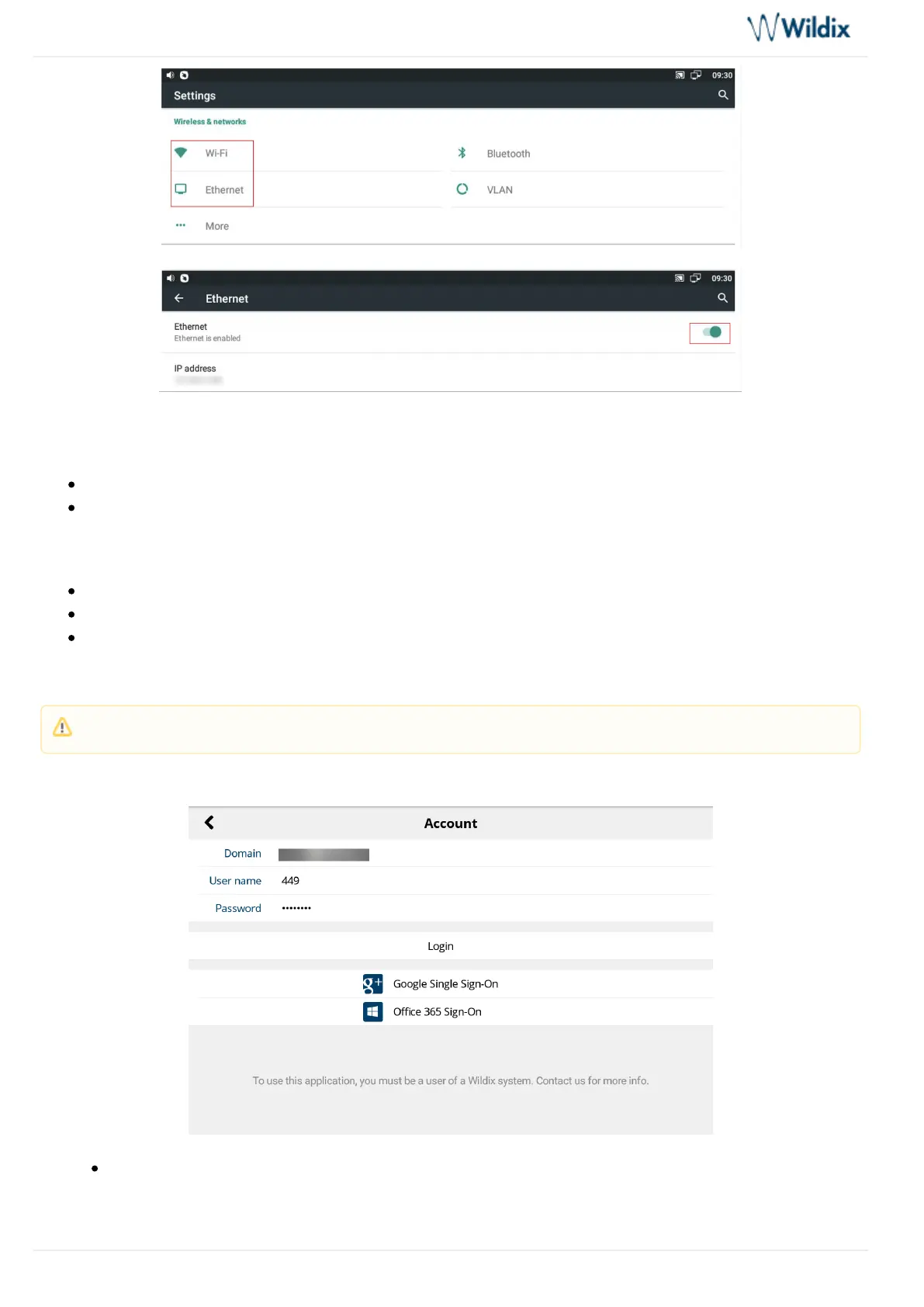
In case the phone has not received an IP address automatically, you can set up the Static IP:
Go to select Ethernet Ip mode -> static
Enter the IP address manually
Wi-Fi
-> enable the optionWi-Fi
Select the Network from the list and enter the password (if necessary)
Tap Connect
Login to Wildix Phone application
Use your Collaboration credentials to access the App:
: PBX IP address or domain name Domain
Note: After the phone has booted, the Phone app opens automatically.



 To Next Page