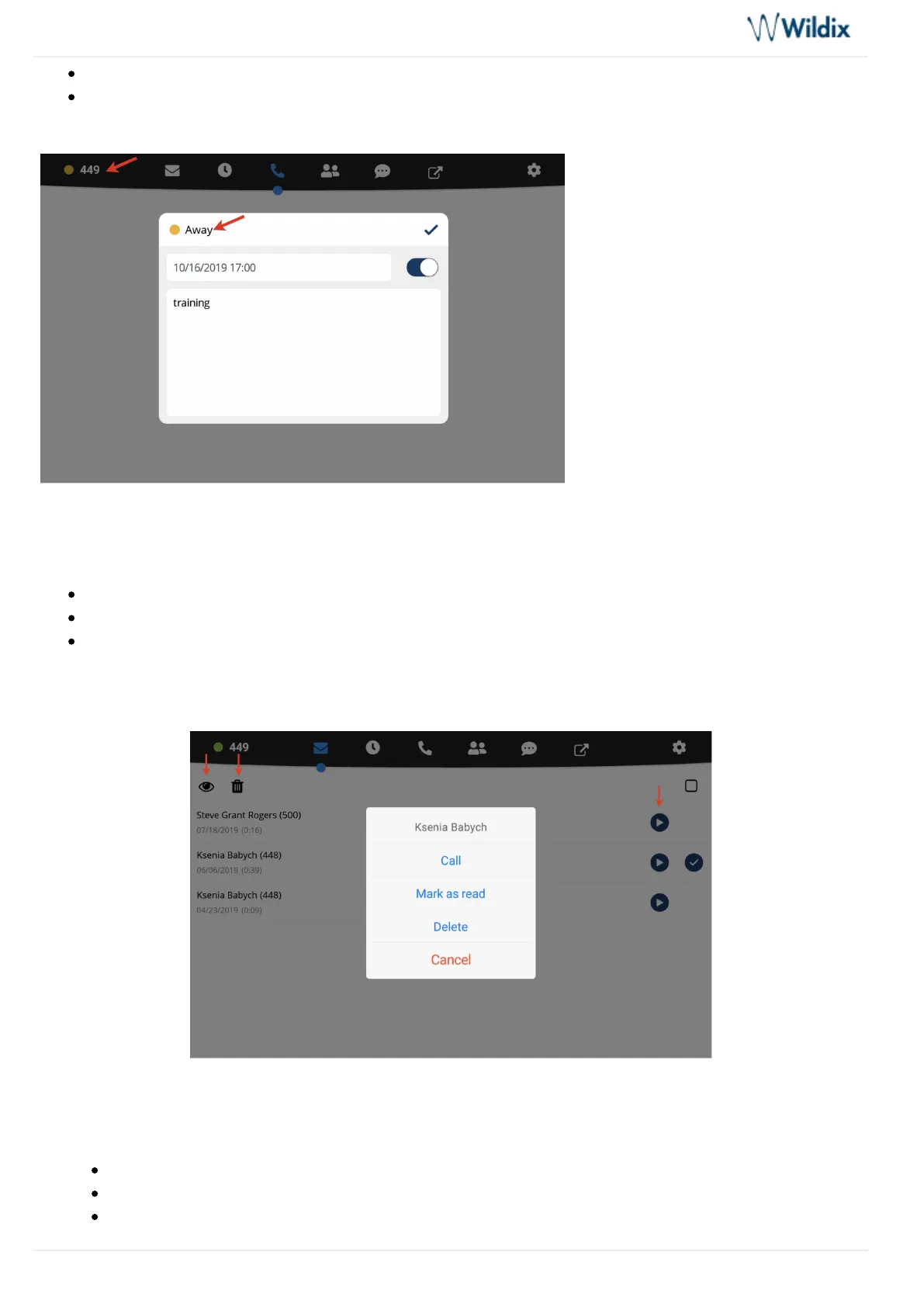
Set your status to DND / Away and set expiry time for this status (optional)
Set the status message (optional)
Voicemail
This menu allows you to:
Listen to Voicemails: tap iconPlay
Delete Voicemails: tap iconTrash
tap iconMark Voicemails as Read: Eye
You can also tap on a voicemail message to display the drop-down list: a user who left a message,Call Mark as
or it.read Delete
History
This menu allows you to:
See the list of all the calls and call duration (synced with Wildix PBX)
View user contact details including status
Listen to call recordings/ view faxes



 To Next Page