STC-TGL1
www.wildviewcam.com Toll Free 888-304-6125
16
• If the existing DirectX version on your PC is lower than version
8, and if you have problem viewing the image with the standard
software provided by Microsoft, then you should install DirectX
8
•
Restart windows.
• Turn off the camera
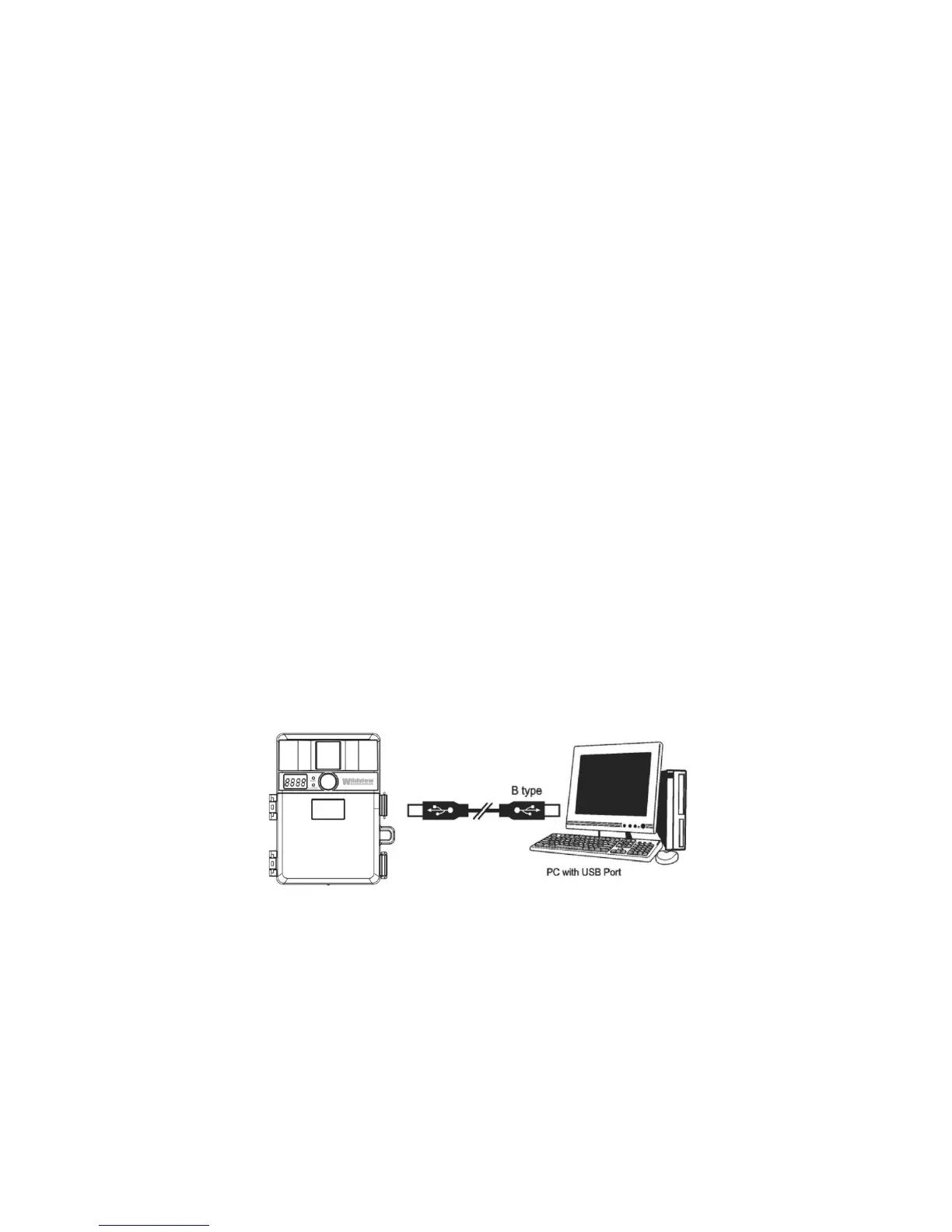
• Connect your camera to the PC by the USB cable, the PC will
recognize the new device and set up the configuration of the
PC automatically. Front LCD on your camera will show the
word “USb”.
NOTE: Users of Windows 98 or earlier must install camera
driver prior to connecting the USB cable.


 To Next Page