STC-TGL3M
www.wildviewcam.com Toll Free 888-304-6125
13
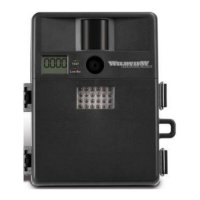
Programming your Wildview Camera
The following setting must be performed before you
turn on the camera.
1. Select the time out interval by sliding the time out
toggle switch to the desire preset time interval in
minutes. 1 / 5 / 10 / 20 minutes.
2. Select the resolution setting by sliding the resolution
toggle switch to the desire resolution setting. Hi / Lo
resolution.
3. Select the Flash mode: Slide the switch to either
Auto / On / Off position.
a. Auto – Flash on based on surround lighting
condition
b. On – Flash on for every image captured
c. Off – No Flash will go off.
4. Select Burst mode: Slide the switch to 1 / 2 / 3 / AVI
position. If you choose AVI mode, the camera will
automatically switch to 1 picture mode if it detect low
light source.


 To Next Page