EN
7
pressing F-button once while the result is
shown on the screen.
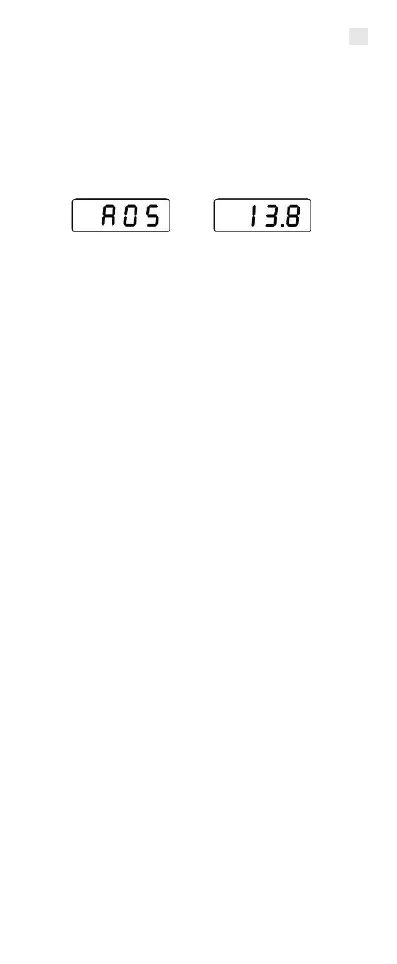
The average calculation is ready when
two numbers, for example A05 and 13,8
appear alternating on the display.
The values used in the example mean:
- A05 - the number of measurement
results included into the average value
is 5
- 13,8 - the average value of those 5
measurements.
To erase average calculation memory just
press and hold the F- button and switch
on the meter with a single press on the P-
button. When you see A on the display,
release the F- button. Then erase the
average value by pressing and holding
down the F- button. The memory is erased
when 0 and A00 appears on the display.
Before calculating the average value of
every new load of material, make sure
that average calculation memory is
empty and erase it if required.
Average calculation memory can
accommodate a maximum of 99 results. If
no more results can be added to the
memory, the number on the display will
start blinking.
3.2. Adjusting the result
If the quality of the measured material is
different from normal, the result can be



 To Next Page