Using the appliance
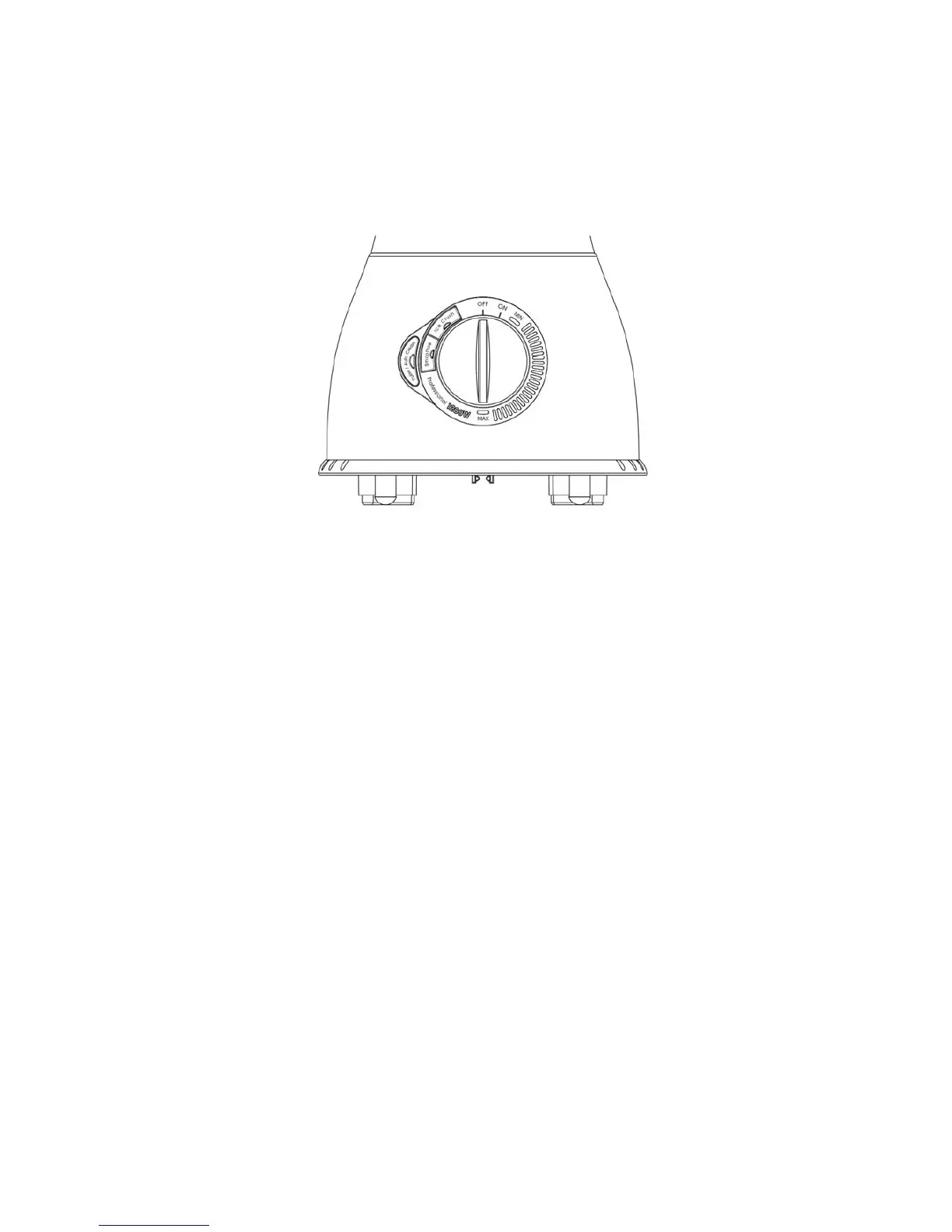
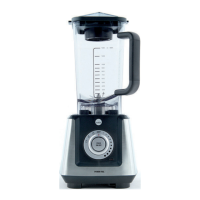
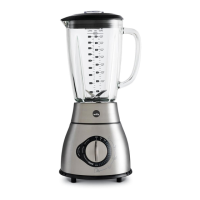
Control panel
13) ON/ OFF switch
14) Speed control (MIN -> MAX)
15) Quick-select button
a) Crush ice button
b) Smoothie button
c) Pulse / Auto clean button
To switch on the appliance, turn the knob to “ON” position. The “ON” light will be illuminated.
To control the rotary speed, turn the knob at between “MIN” & “MAX” position. The light will be
illuminated at the desired position.
To use the quick function, turn the knob to “ON” position. The light on the three buttons start to blink.
Crush ice button
Press this button to crush the ice. The appliance starts crushing according to the pre-set speed
profile. Press the button again to stop the process. Or the unit will operate automatically after
running for 30 seconds.
Smoothie button
Press this button to make delicious smoothies. The appliance starts mixing according to the pre-set
speed profile. Press the button again to stop the process; Or the unit will operate automatically
after running for one minute.
1)
2)
3a)
3b)
3c)


 To Next Page