11
Tare function
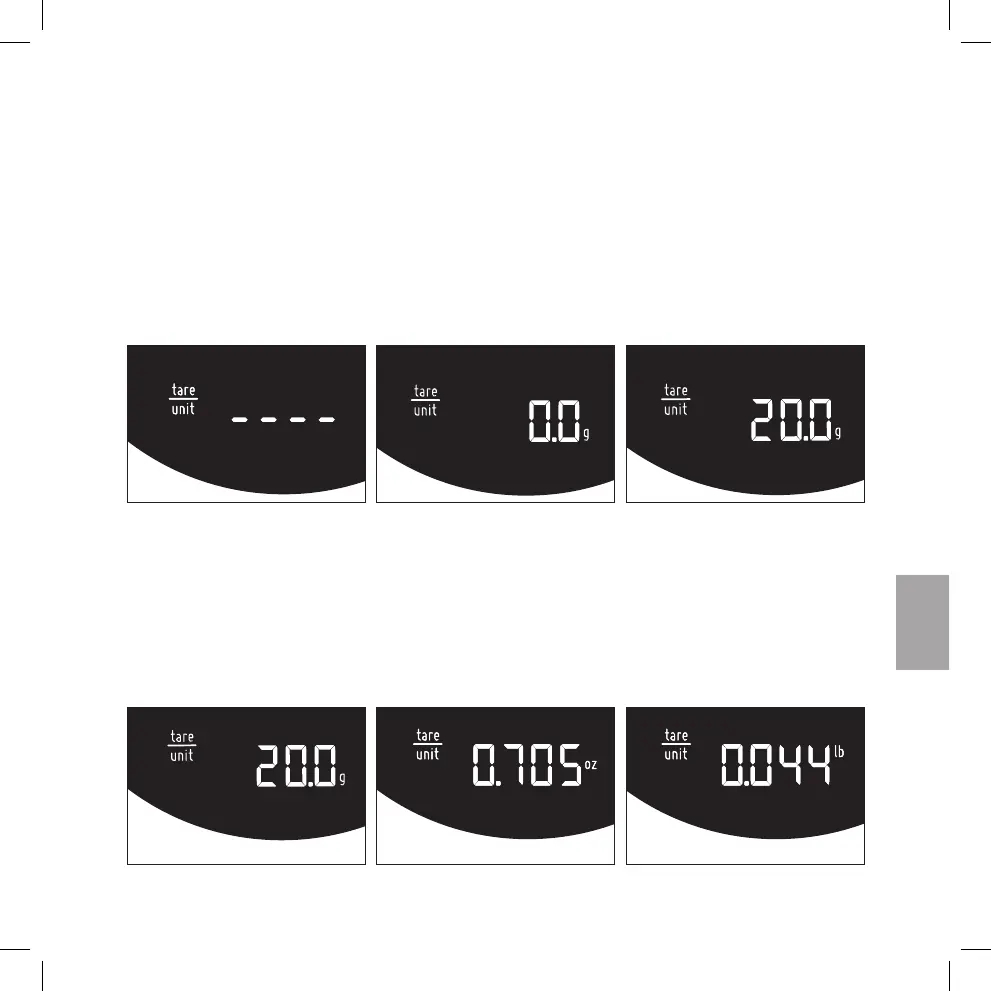
• Place coffee container on top of the scale, press the “tare/unit” to tare the weight of the
container. The scale will display “----” for a moment.
• Then the scale will return into ready mode by showing “0.0 g”.
• The scale is now ready for measuring any additional weight. For example, pouring 20 g
coffee bean into container will display “20.0 g”.
Unit change
• Press and hold “tare/unit” button for 1 second, the digits disappear and then the unit
changes. If held continuously the unit keep alternating every 0.5 second.
• Confirm the unit selection by releasing the button. The display shows that a profile has
been selected.


 To Next Page