P. 7
3. Fit the transparent lid on top of the bowl and twist until it locks into
position.
4. Place the refi ll lid on the transparent lid.
Starting the ice cream maker
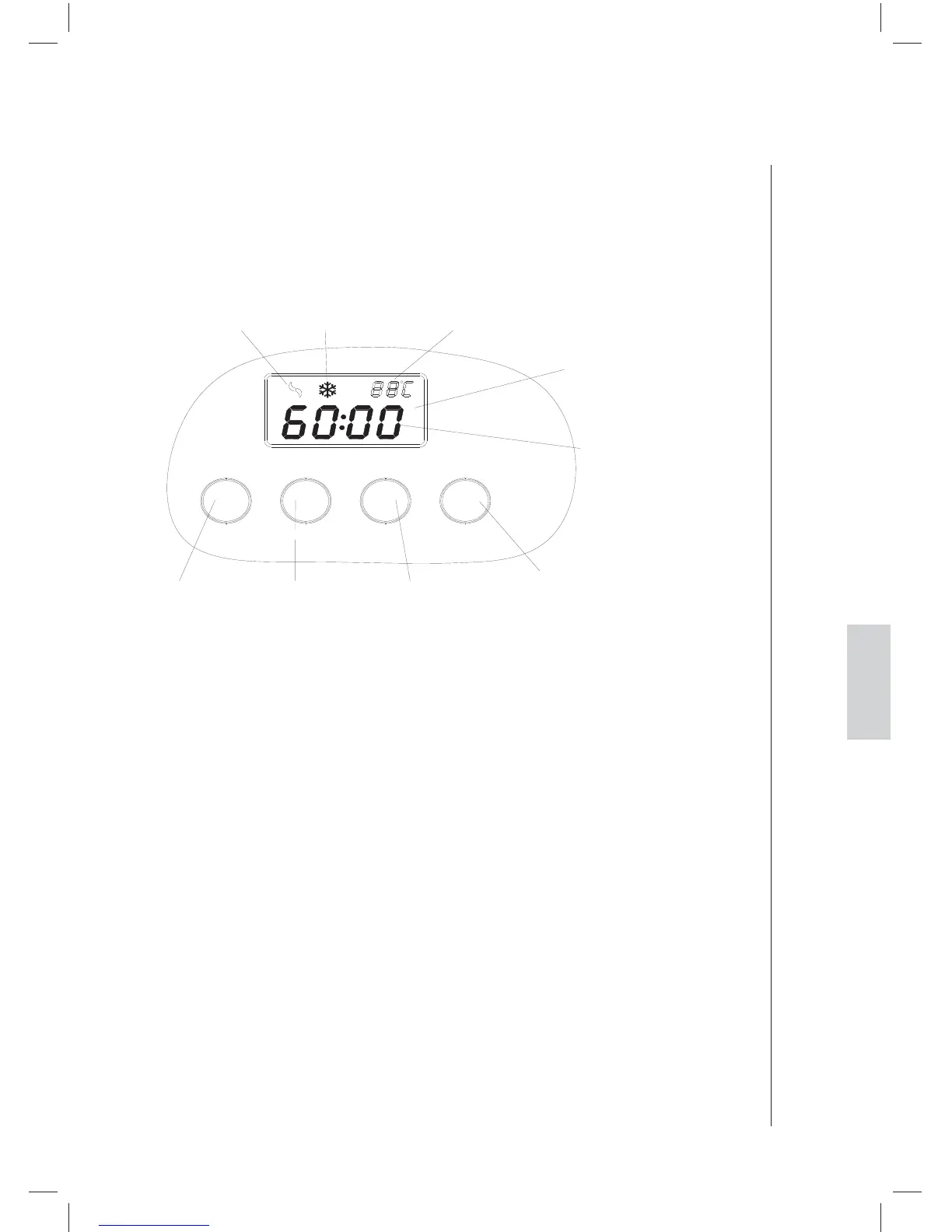
Mixing Icon
[POWER] button [TIME+] button [TIME-] button
Freezing Icon Freezing Temperature
LCD Display
Time
[START/STOP] button
START/STOP
TIME-TIME+POWER
Connect to the mains supply
Check the voltage to ensure that the voltage indicated on the rating plate
matches the voltage where the product is being used.
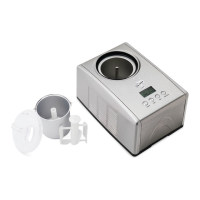
Function buttons
POWER Button: After connecting to the mains supply, press the POWER button
and the display will show “60:00”. This means that the default operating time is
60 minutes.
TIME+, TIME- Button: There are two buttons TIME+ and TIME- to adjust the
time. Press the TIME+ or TIME- button and the time will increase or decrease
in 1-minute increments. If you press and hold the TIME+ button, the time
will increase rapidly, and if you press and hold the TIME- button, the time will
decrease rapidly. You can choose different times according to your taste.
START/STOP Button: Once the time has been set, press the START/STOP
button to start the ice cream process. You can press the START/STOP button
during the process to check the mixing blade and ingredients (the compressor
will still work).
Note: If the START/STOP button is held down for more than 3seconds, the
machine will stop. You will hear the sound “di, di, di” 10 times and the display will
show “00:00”. This function can be used if you wish to cancel the preset function.
English


 To Next Page