Memory Autosave
When modifying the settings of the Williams
Rhapsody 2 the following settings will
be saved after you turn off the keyboard:
Reverb, Chorus (for each voice), Main
Volume, Layer Volume, Split Volume, MIDI
Channel, Velocity Curve, Power Auto Shutting
down ON/OFF, Vibrato Speed, Vibrato Depth,
Rotary Speed mode, EQ bass, EQ treble Split
Octave, and Split Point.
These settings can be returned to default by
performing a factory reset (pg. 16).
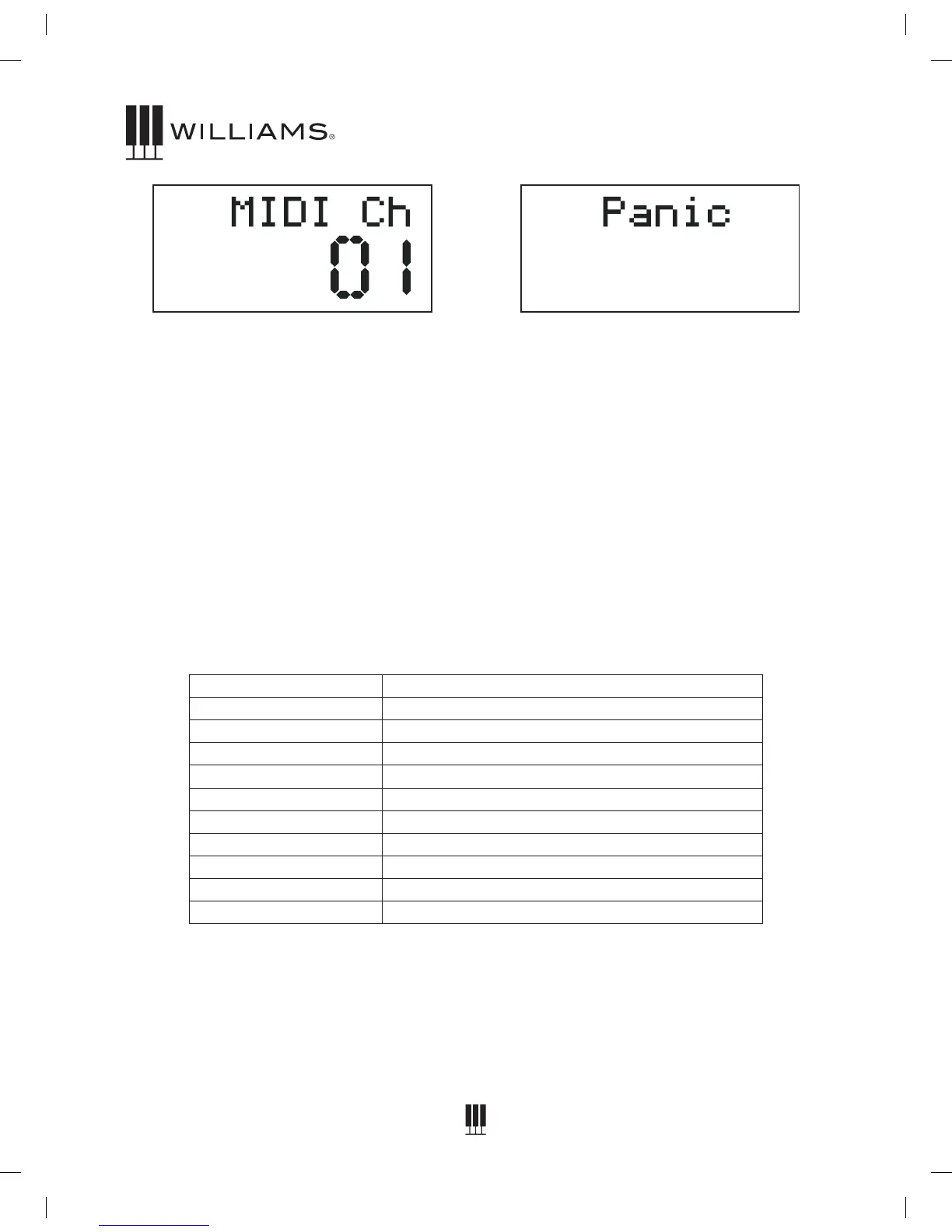
MIDI Panic Reset
If your piano gets a MIDI “Stuck Note”, you
can correct it with the following:
1. Press the Function button.
2. Turn the Value Dial to select the Panic menu.
The display will show “Panic”.
3. Press the Function button to activate the
panic function, then return to Main Voice
screen.
SPECIFICATIONS
Keyboard 88 weighted, velocity-sensitive keys
Voices 12
Polyphony 64
Voice Control Layer, Touch, Split
Pedals Sustain and Soft Pedals
Demo Songs 12
MIDI Transmit Settings Local Control
Connectors USB,DIN connection cable, 2-1/4" (L/R), Phones
Speakers 2-YDT816(4U*15W)
Dimensions (WxDxH) 54.1" x 16.3" x 31.1"
Weight 83.2 lbs.
1519833 Williams Rhapsody 2 Manual.indd 18 6/5/15 2:50 PM















 To Next Page