Chapter 4 Operation
Navigating the user interface
14 4400 Mobile Phone Tester Series Serial number 0911xxx
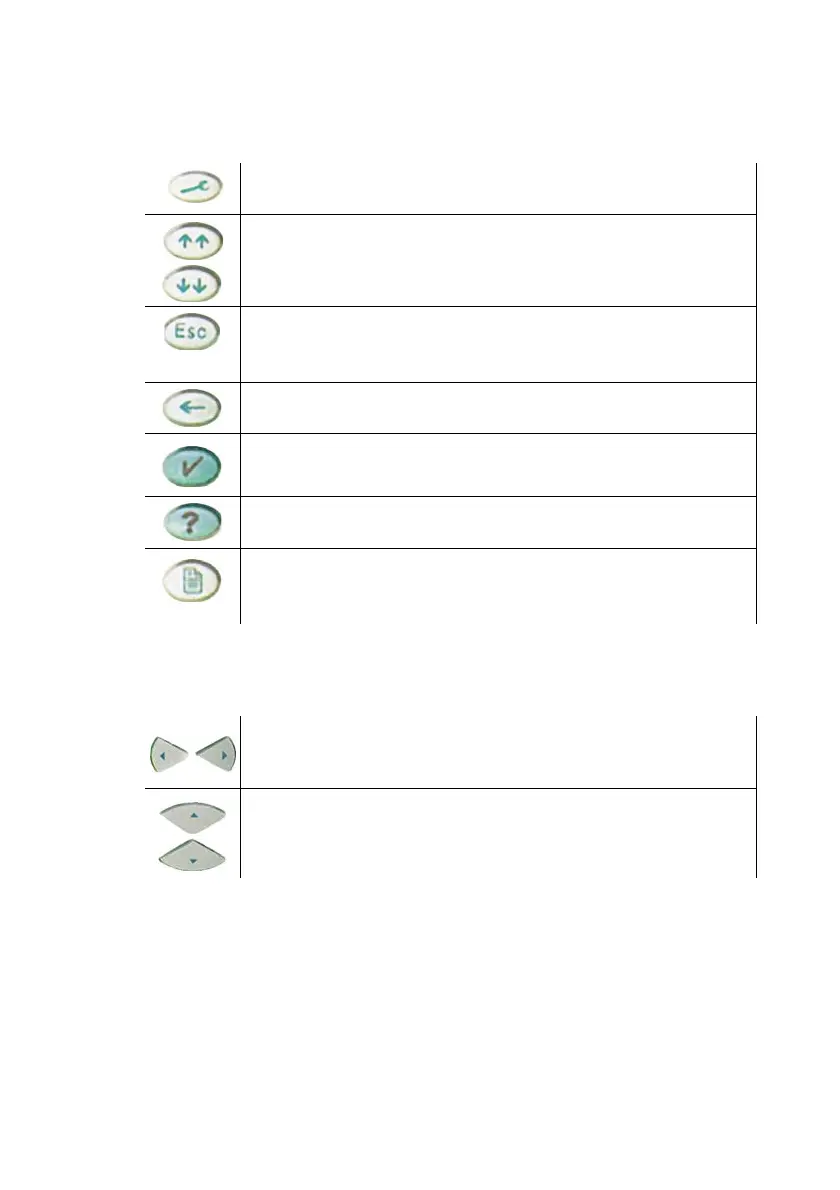
Function keys
With these important keys you get general control of the 4400.
Cursor keys
Selection key
Turning the selection key changes values in entry fields or scrolls
through a page of the online help.
Shows the 4400 tools menu. Here you can start any 4400 tool
such as the spectrum analyzer, RAPID! etc.
Selects the first entry field of the previous/next group. In help
mode they load the previous/next page of a menu of the online
help.
This key brings you one menu level up. If this causes a parameter
change then you will be prompted to confirm or cancel the level
change.
Deletes the value left of the cursor in an entry field.
Accepts a newly entered value in an entry field.
Starts the online help. If the help key is used while in the online
help, the "Help on help" is shown.
Prints the screen contents on paper or stores it in a bmp file on
floppy disk, depending on the printer setting under Tools >
Config > I/O.
To get from one entry field to the previous or next one.
To change the value of a numeric field or the setting of a selec-
tion field (scroll variable).
GetStrt.book Seite 14 Dienstag, 21. März 2006 3:22 15



 To Next Page