en
Installation and operating instructions • Wilo-Isar BOOST5 • Ed.03/12/2022 13
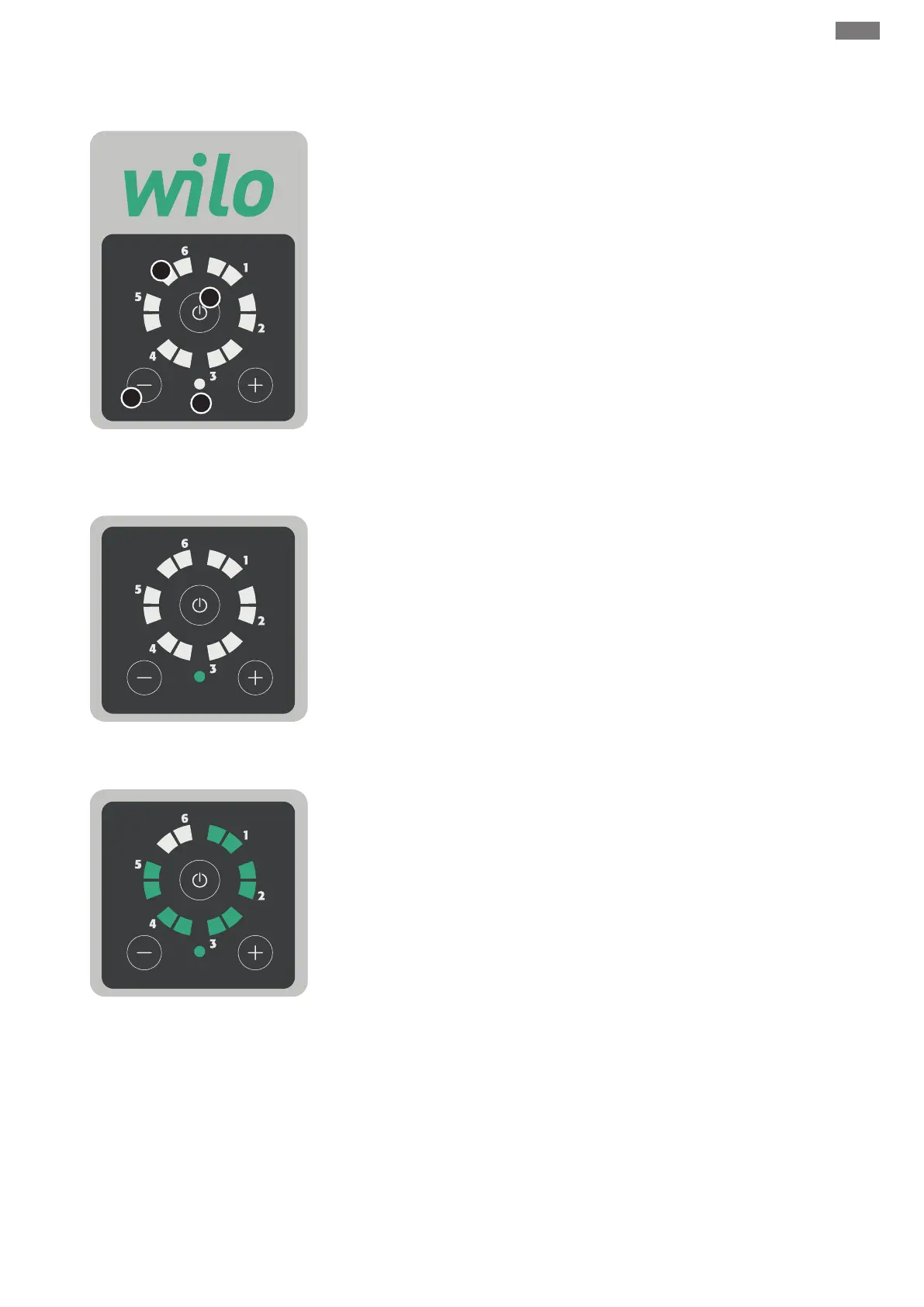
4.6 Description of control panel
Display
1. Operation status indicator LED
Indication of adjustment value in bar
Pump running
Error or alarm
2. Adjustment buttons “-” or “+”
3. On/Off button
4. System status LED
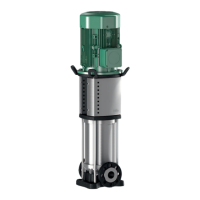
System on stand-by
• The system is powered and not in operation.
• Operating LEDs off.
• System status LED solid green.
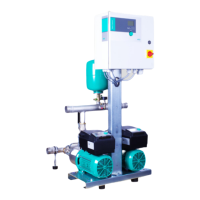
System running
• System powered and pump running.
• Operating LEDs indicate adjustment value.
• System status LED solid green.


 To Next Page