Welcome
Choose Your Language
Deutsch
繁體中文
English
Espanol
Francais
日本語
Enter Passcode
Enter
1
4
7
2
5
8
0
3
6
9
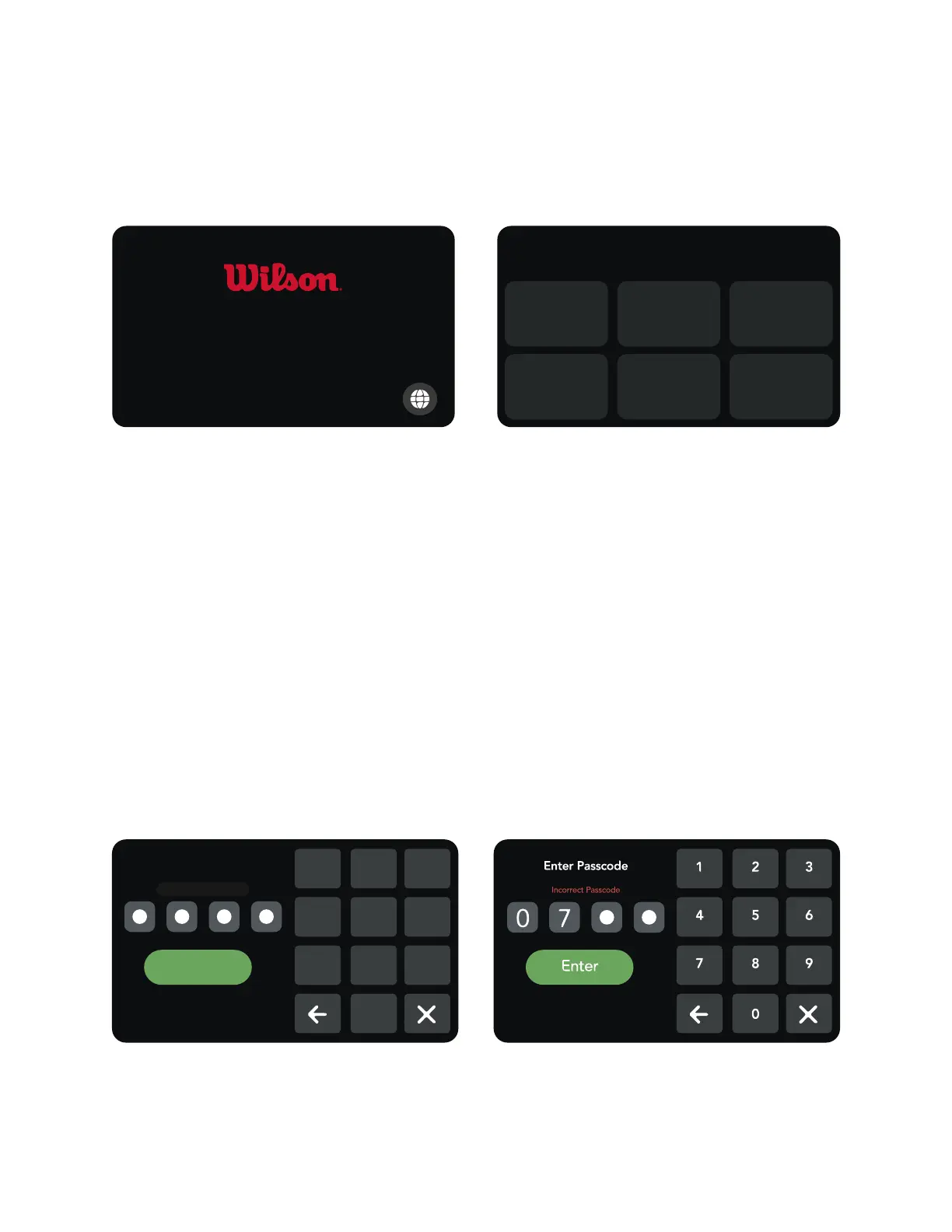
CHANGING LANGUAGES
The machine can run in several different languages. This can
only be changed during start up.
Touch the world icon on the start up screen to change languages.
Touch the world icon Touch the desired language
BASIC OPERATING REMINDERS
Ensure all wires are connected underneath the machine.
Do not lean on machine or load cells!
Do not leave machine in extreme temperatures. If so, allow
the machine to warm to room temperature. It is recommended
to leave machine in temperatures between 50 & 90 °F.
PASSCODE
Default passcode is “0-0-0-0”
If passcode is lost, please use master passcode “7-3-5-6”
Example of incorrect passcode being entered
BAIARDO TUNE MANUAL
7


 To Next Page