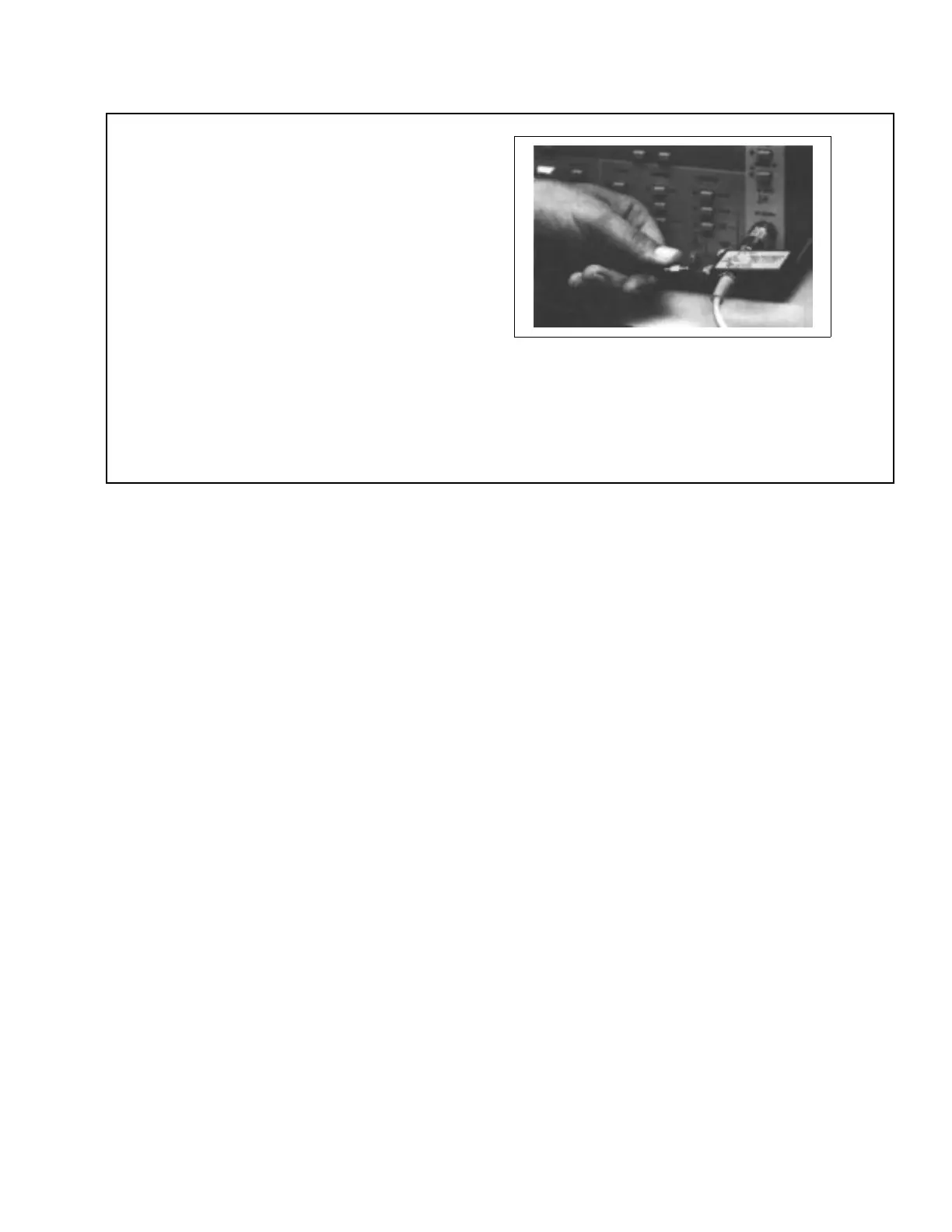
Step 5. Loosen the SWR Autotester input
port connector and rotate unit hori-
zontally, as shown at left. Align un-
beaded end of Air Line with test
port connector and carefully mate
connectors. Tighten all connectors
carefully.
NOTE
For a 560-98S50 SWR Autotester (male WSMA
test port) in combination with a 19SF50 Air
Line, insert the compensation washer into the
female WSMA connector of the air line (beaded
end).
Figure 9. Example for Using Compensation Washer with WSMA Connectors (2 of 2)
SWR OMM 13



 To Next Page