System Properties
OSD Language
Restore Factory Default
Blending
OsdDuration
Keystone
Software Update(USB)
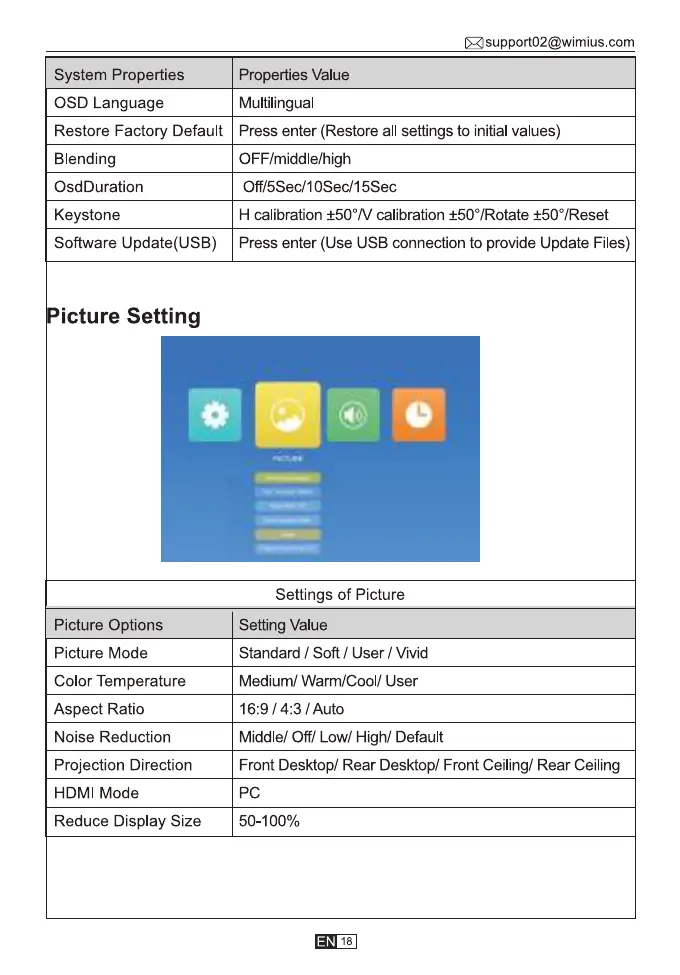
Picture Setting
Picture Options
Picture Mode
Color Temperature
Aspect Ratio
Noise Reduction
Projection Direction
HDMI Mode
Reduce Display Size
Asupport02@wimius.com
Properties Value
Multilingual
Press enter (Restore all settings to initial values)
OFF/middle/high
Off/5Sec/10Sec/15Sec
H calibration ±500N calibration ±500/Rotate ±500/Reset
Press enter (Use USB connection to provide Update Files)
Settings of Picture
Setting Value
Standard / Soft / User / Vivid
Medium/ Warm/Cool/ User
16:9 / / Auto
Middle/ Off/ Low/ High/ Default
Front Desktop/ Rear Desktop/ Front Ceiling/ Rear Ceiling
50-100%
18



 To Next Page