Windcrest
Tel: 0208 795 0333
Fax: 0208 795 0444
SA1000 connections
Drawing: SA1K Connections
Date: 03/09/17
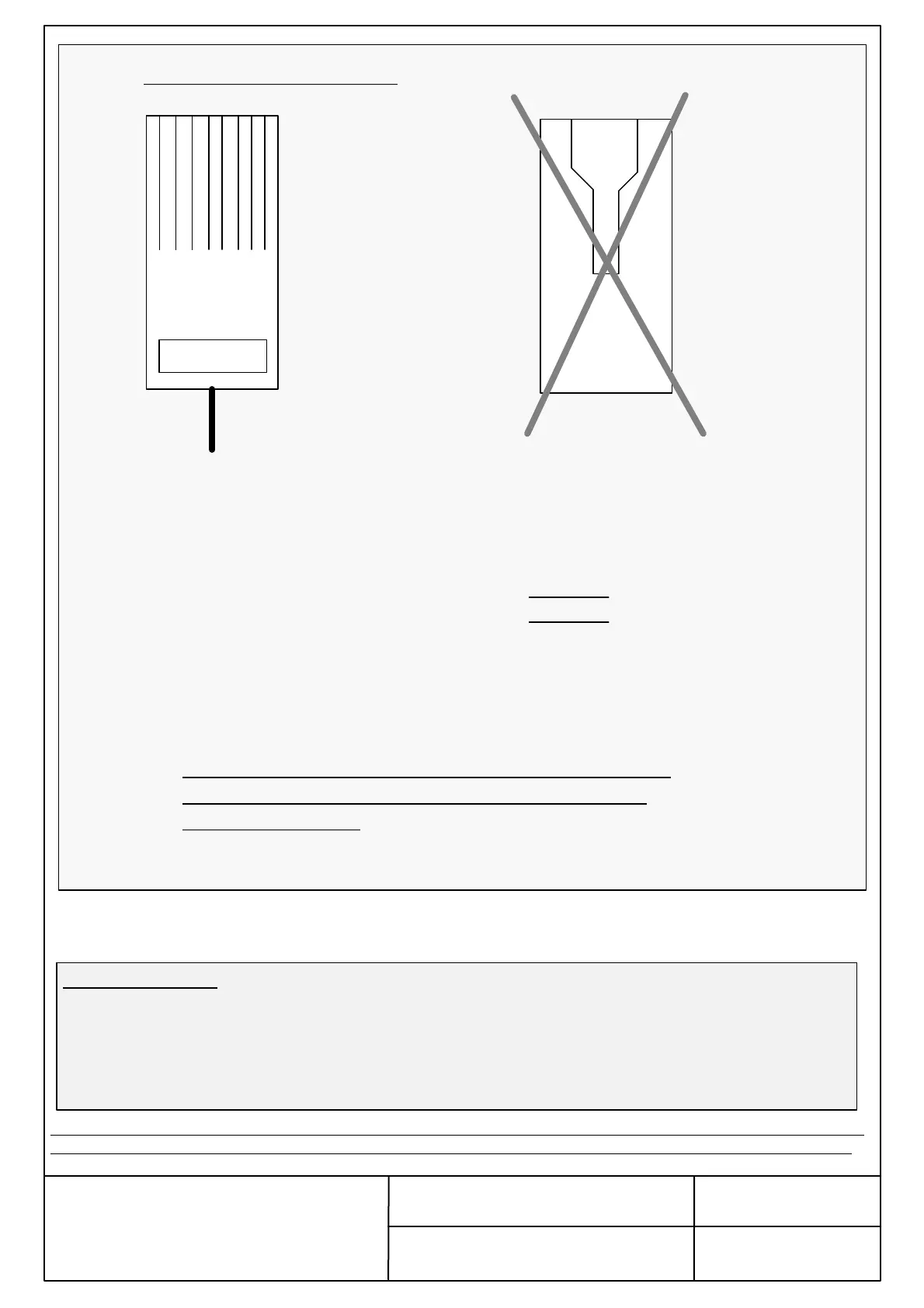
Connect all the wires of the RJ45 Cable as per the above and then plug into the SA1000 Unit.
Note:- The RJ45 Cable is supplied with the unit. However, if any other RJ45 cable to be used for the SA1000 unit, the plug must
be made as per the above drawing. Incorrectly made plug will result in damaging of the unit and will violate warranty terms.
31 52 4 6 7 8
WRONG
Orientation of the RJ45 Plug
Single Wire Colours Connections
1. Orange/White……….Not Used
2. Orange……………….Low Battery Signal from
Windcrest PSU (LV) or see below
3. Green/White ………..”+” on Windcrest PSU
4. Blue…………………..BT/Telephone Line
5. Blue/White…………...BT/Telephone Line
6. Green…………………”0V” on Windcrest PSU
7. Brown/White………… ”+” on Windcrest PSU
8. Brown…………………”0V” on Windcrest PSU
Analogue Telephone
Network
Low Battery Signal:-
If the Windcrest PSU is not used, a set of voltage free contacts will be required to indicate battery status
to the SA1000 unit. If the battery is good (adequate capacity in accordance to EN 81-28 ), these contacts
will need to be “CLOSED” and if the battery is low, these contacts will need to be “OPEN”. If the
contacts are not provided the unit will assume as the battery is low. The battery indicator voltage free
contacts to be connected across 2. Orange & 7. Brown/White.
Page 3/5
Not used wires must be isolated from other wires. If it
shorts out with any of other wire, this may result in
damage of the unit.


 To Next Page
 Loading...