12
Get to know your AC.
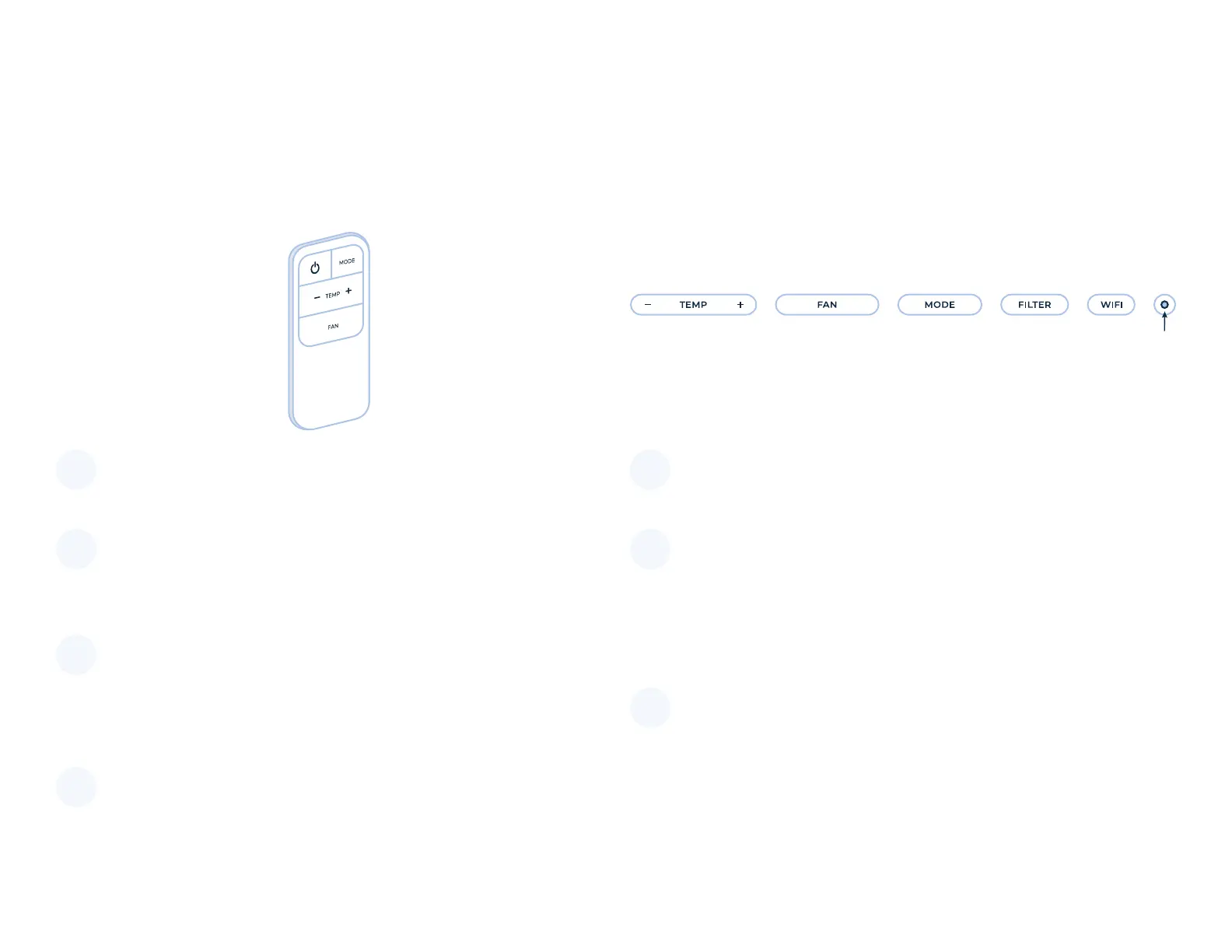
Controls overview
Power button
Turn the AC on and off.
Mode button
Use this to change the mode to cool, eco, or fan.
Power indicator light
Shows the AC is powered on (you can shut this
light off by holding down Mode for 5 seconds).
Fan button
Use this to change the fan speed to high (3),
medium (2), low (1), or auto (A). Auto means the fan
only runs when the AC is cooling (versus running
continuously). Wi button
Hold this down for 5 seconds to begin pairing with
your app. The wi indicator light will ash until you
pair successfully.
Set temperature button
Use this to adjust the temperature up or down.
Clean lter button
Hold this down for 5 seconds after cleaning or
replacing your lter to reset the change lter
indicator light.
1 5
2 6
3
7
4
1
1
2
34567
5
7
6
Remote Unit controls


 To Next Page